Email flows for ecommerce are the closest thing online brands have to a revenue multiplier. When triggered by the right behavior at the right moment, they drive conversions, boost loyalty, and recover lost sales — all without eating up your team’s time.
The challenge isn’t whether to use email flows; it’s knowing which ones to prioritize first.
This guide breaks down 12 essential ecommerce email flows for 2026, complete with setup details, timing strategies, and what success actually looks like for each one.
What Are Ecommerce Email Flows?
Ecommerce email flows are sequences of emails triggered by specific customer actions, behaviors, or conditions. Using marketing automation, these flows are designed to guide customers through their shopping journey, from initial engagement to post-purchase communications.

With a prearranged journey that caters to your audience based on real-time triggers, specific behaviors, and timelines, your recipients receive a more personalized experience with each new email they engage with. This gives them an active role in orchestrating their customer journey and defining their personal experience with your brand.
The scenarios these flows create can serve a wide variety of purposes: introducing a subscriber to your brand with a welcome email, waiting a desired amount of time before following up on an abandoned cart, enticing a lapsed shopper to shop your sale with a special discount, and so much more.
Are Email Flows Effective To Use for Ecommerce?
Email marketing is one of the most lucrative and influential channels you can use for your marketing strategy, but your email campaigns are only as good as the shopping journeys they build for your audience.
Modern customers expect their journeys to be personalized with emails that cater to their unique needs. They expect each email they receive to be informed by their interactions with the last campaign, which is why automated email flows are so important.
Email flows turn your individual emails into connected experiences without the need to painstakingly construct new messages that accommodate each customer’s individual preferences. With a preset series of automated emails ready to be sent to your audience whenever they meet certain criteria, you can build efficient and effective campaigns.
This can lead to great results, including:
More Customer Engagement
Triggering campaigns based on specific user actions or predefined schedules can turn your campaigns into a conversation with your subscribers, with each new step in the email flow appealing to their unique preferences.
Increased Sales and Conversions
Automated email flows can play a major role in driving sales and increasing conversions. On average, automated flows generate 320% more revenue per recipient compared to standard email campaigns.
Building Customer Retention
Building long-term relationships with your subscribers is essential for email marketers, and email flows are great tools to build sustainable customer connections. The more focused your flows are on your customer’s needs, the more useful they can be at fostering loyalty and repeat business.
Reducing Cart Abandonment
Cart abandonment is a huge challenge in ecommerce — nearly 70% of online shopping carts are abandoned.
Thankfully, abandoned cart emails can go a long way toward getting those dropped sales back, and by building flows around these messages, you can further boost their effectiveness.
The benefits of thoughtfully planned email sequences are undeniable, but how exactly do you build good email flows for ecommerce? What kind of triggers should you put in place, and what does an optimized timeline look like?
The answers to these questions will differ depending on your unique business, but there are certain types of email flows that every business can benefit from.
12 Examples of Email Flows for Ecommerce
Below are twelve email flows for ecommerce, the conditions and triggers you should consider when building them, and how each flow could play out over time for your customers.
1. Welcome Email Flow
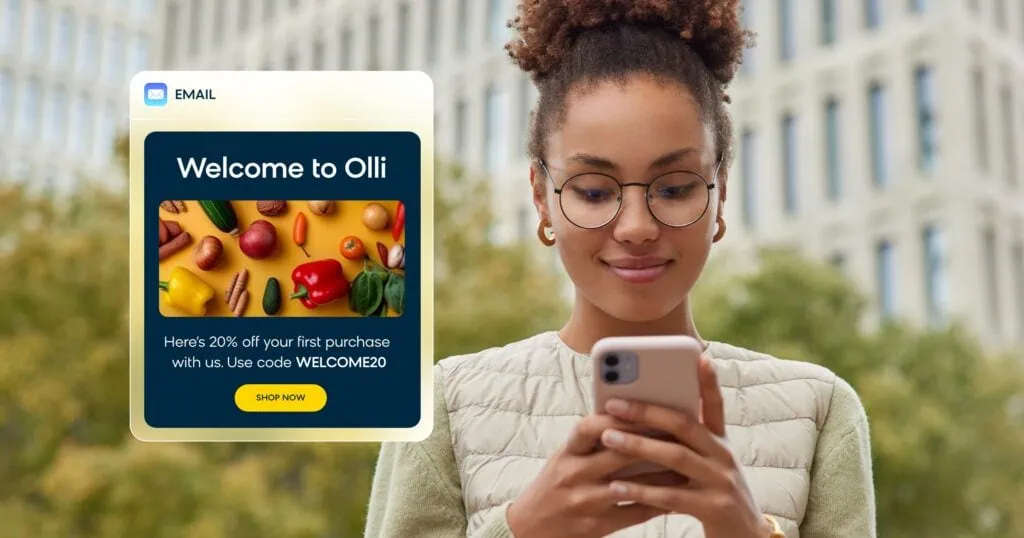
Automated welcome campaigns are great ways to greet new subscribers, introduce them to your brand, and set expectations for future communications.
Bloomreach’s personalized welcome flow is a perfect example of how to create instant connections with new subscribers. It incorporates all the must-have triggers and conditions that make up a successful welcome campaign, including:
When to Trigger
Subscription to email list: Welcome email flows should be triggered when a customer subscribes to receive email communications from your brand.
Consent verification: Make sure your flow has consent verification built into the process. Confirming that the email address is valid and that the customer has given consent to receive emails is an essential step.
No previous welcome flow: To avoid repetitiveness, your sequence should have a step to ensure that the customer has not received a welcome flow campaign before.
Key Audience Segments
New subscribers represent your most engaged audience segment initially. Consider segmenting by signup source (website, social media, in-store) to personalize messaging. First-time visitors may need more brand education compared to existing customers who are subscribing for updates.
Success Metrics to Track
Monitor open rates (industry average: 50-60% for welcome emails), click-through rates (15-25%), and most importantly, conversion to first purchase within 30 days. Track unsubscribe rates to ensure your welcome sequence doesn’t overwhelm new subscribers.
Email Flow Sequence
Our welcome flow follows a proven email cadence:
- Email 1: An initial welcome email.
- Email 2: An email sent three days later highlighting unique selling points and educating your customer about what makes your brand special and why they should support your business.
- Email 3: A follow-up email sent three days later showing top-selling products or providing a discount code. If your recipient has made a purchase, you can showcase your popular and highly rated products. If they still haven’t purchased yet, you can offer a special discount to inspire that first purchase.
2. Product Recommendation Flow
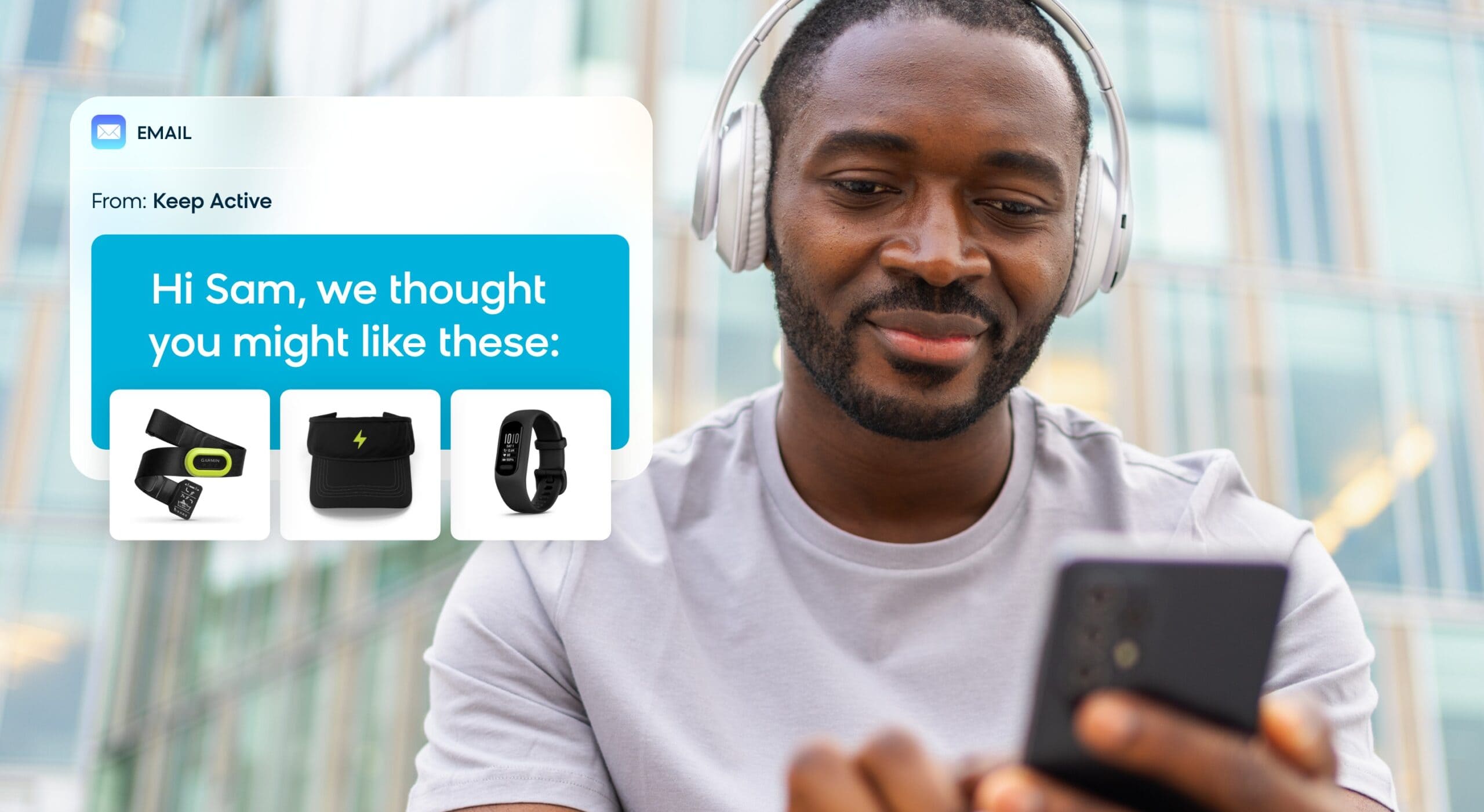
Product recommendation emails are great tools for inspiring customer engagement. These emails rely on recommendation engines to serve products that your recipients are likely to enjoy, and they can be incorporated into automated flows using event-based triggers such as:
When to Trigger
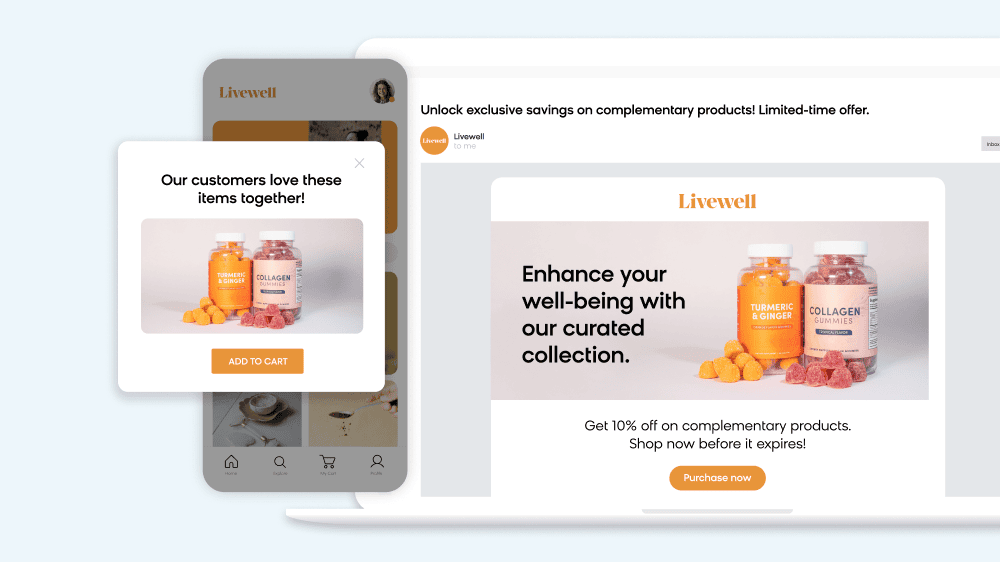
Product views: Recommendation flows can be triggered when a customer views a product on your website, sending them similar products to view.
Purchase completion: An email can be triggered after a customer completes a purchase, sending complementary products for customers to consider.
Monthly sends: Product recommendations can easily be incorporated into recurring newsletter flows.
Key Audience Segments
Segment by purchase history, browsing behavior, and customer lifecycle stage. High-value customers may receive premium product recommendations, while new customers might see bestsellers or starter products. Consider demographic and geographic segments for seasonal relevance.
Success Metrics to Track
Track click-through rates on recommended products (target: 7-10%), revenue per email, and recommendation conversion rates. Monitor which recommendation types perform best (similar products, complementary items, or trending products) to optimize your algorithm.
Email Flow Sequence
The more personalized your product recommendations are, the more engagement your campaigns will receive. But even a simple, straightforward recommendation email flow can produce strong results.
Bloomreach’s automated product newsletter use case is a great example of a simple, effective product recommendation flow. It creates a monthly email newsletter showcasing your brand’s most commonly viewed items in the last 30 days.
With a routine cadence and most sought-after products on display, this automated email flow is well worth the effort to capture your audience’s attention and bring them back to your brand.
3. Abandoned Cart Flow
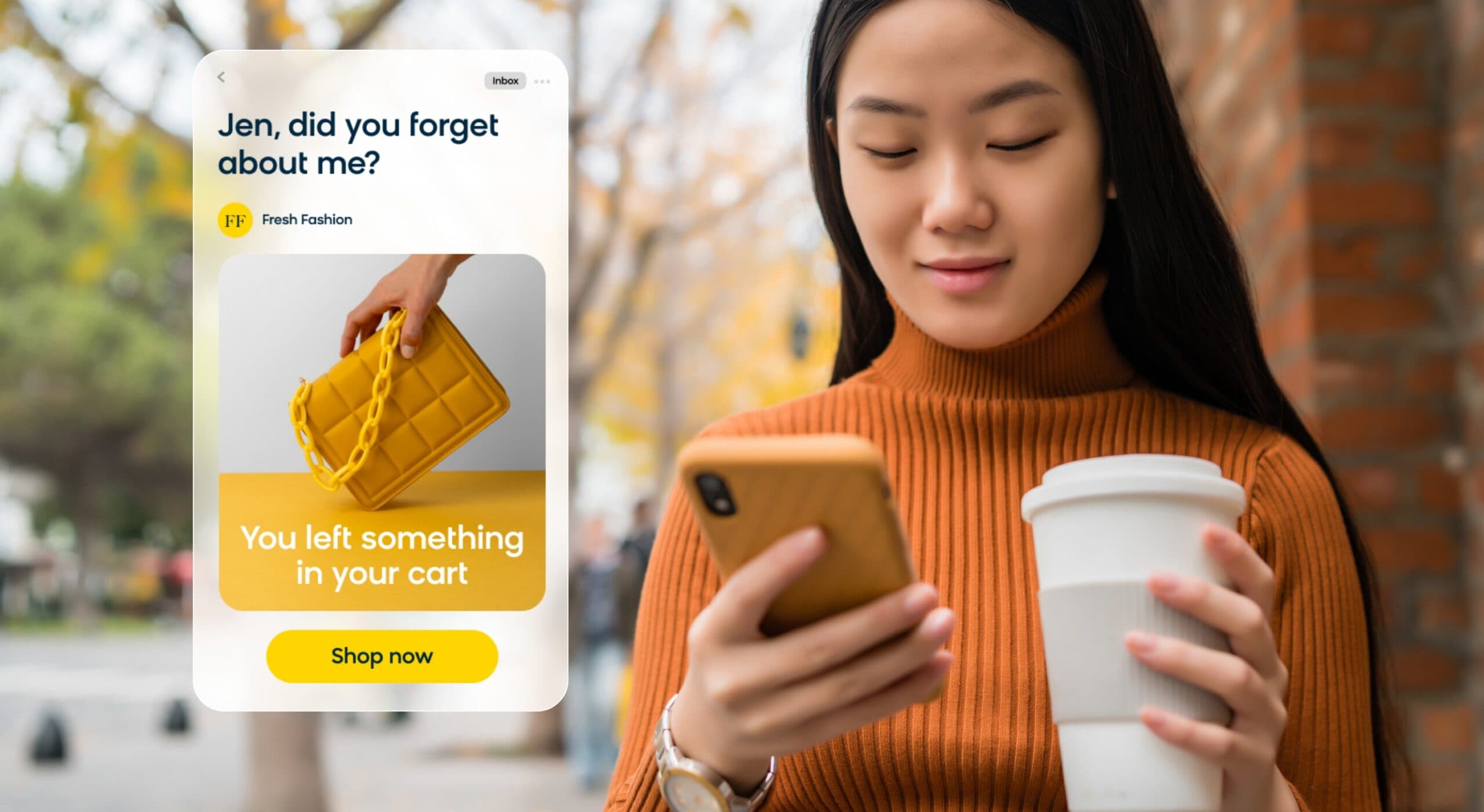
Cart abandonment represents one of the biggest revenue leaks in ecommerce, but it’s also one of the most recoverable opportunities. With abandoned cart recovery flows, you can systematically win back customers who showed purchase intent but didn’t complete their transaction.
When to Trigger
Cart updates: An email flow can be triggered when a customer adds items to their cart but does not complete the purchase within a set timeframe, typically 1-3 hours.
Checkout page visits: A flow can also be triggered when a customer navigates to the checkout page but does not finalize the purchase.
Time of cart abandonment: It’s best not to send an abandoned cart email directly after a customer clicks away. Incorporating a waiting period is ideal, and you can use AI to determine the optimal send time.
Cart value thresholds: Consider creating different flows based on cart value, with higher-value abandonments receiving more aggressive follow-up sequences.
Key Audience Segments
Differentiate between first-time visitors and returning customers. New visitors may need trust signals and social proof, while returning customers might respond better to urgency or loyalty incentives. Consider cart value segments, with high-value carts receiving personalized attention or phone follow-ups.
Success Metrics to Track
Focus on recovery rate (industry benchmark: 15-25%), revenue recovered, and time to conversion. Track performance by cart value ranges and customer segments. Monitor unsubscribe rates to ensure your follow-up sequence isn’t too aggressive.
Email Flow Sequence
Using these conditions, your abandoned cart cadence might look like this:
- Email 1: A personalized abandoned cart email sent 1-3 hours after a shopper leaves your site without completing a purchase, featuring the exact items left behind.
- Email 2: A reminder email sent 24 hours later emphasizing the items in the cart, possibly including social proof or customer reviews to address hesitation.
- Email 3: A final email sent 72 hours later about the abandoned cart, introducing urgency with limited-time discounts or highlighting item scarcity.
4. Browse Abandonment Flow
Browse abandonment captures customers who showed interest but never added items to their cart. These prospects are earlier in the buying journey but represent significant conversion potential when nurtured properly. Bloomreach’s abandoned browse campaign makes it easy to build these triggers based on product views, category browsing, and search activity.
When to Trigger
Product page visits: Trigger when visitors spend significant time (2+ minutes) viewing specific products without adding to cart.
Category browsing: Activate for customers who browse multiple products within a category but leave without engagement.
Search behavior: Target customers who search for specific terms but don’t interact with search results.
Key Audience Segments
Segment by browsing depth and time spent on site. Casual browsers need different messaging than engaged researchers who viewed multiple product pages. Consider device type, as mobile browsers often need simpler conversion paths than desktop users.
Success Metrics to Track
Monitor click-through rates, conversion to cart addition, and eventual purchase rates. Track the time between browse and conversion to optimize timing. Measure engagement metrics like time on site from email clicks to gauge interest quality.
Email Flow Sequence
Browse abandonment requires lighter touch than cart abandonment:
- Email 1: Send 2-4 hours after browsing, featuring the specific products viewed with compelling headlines and clear value propositions.
- Email 2: Follow up 48 hours later with similar products or alternative options, addressing potential objections with reviews or specifications.
- Email 3: Send a final email after one week with category-wide recommendations and a gentle incentive to encourage exploration.
5. Post-Purchase Flow
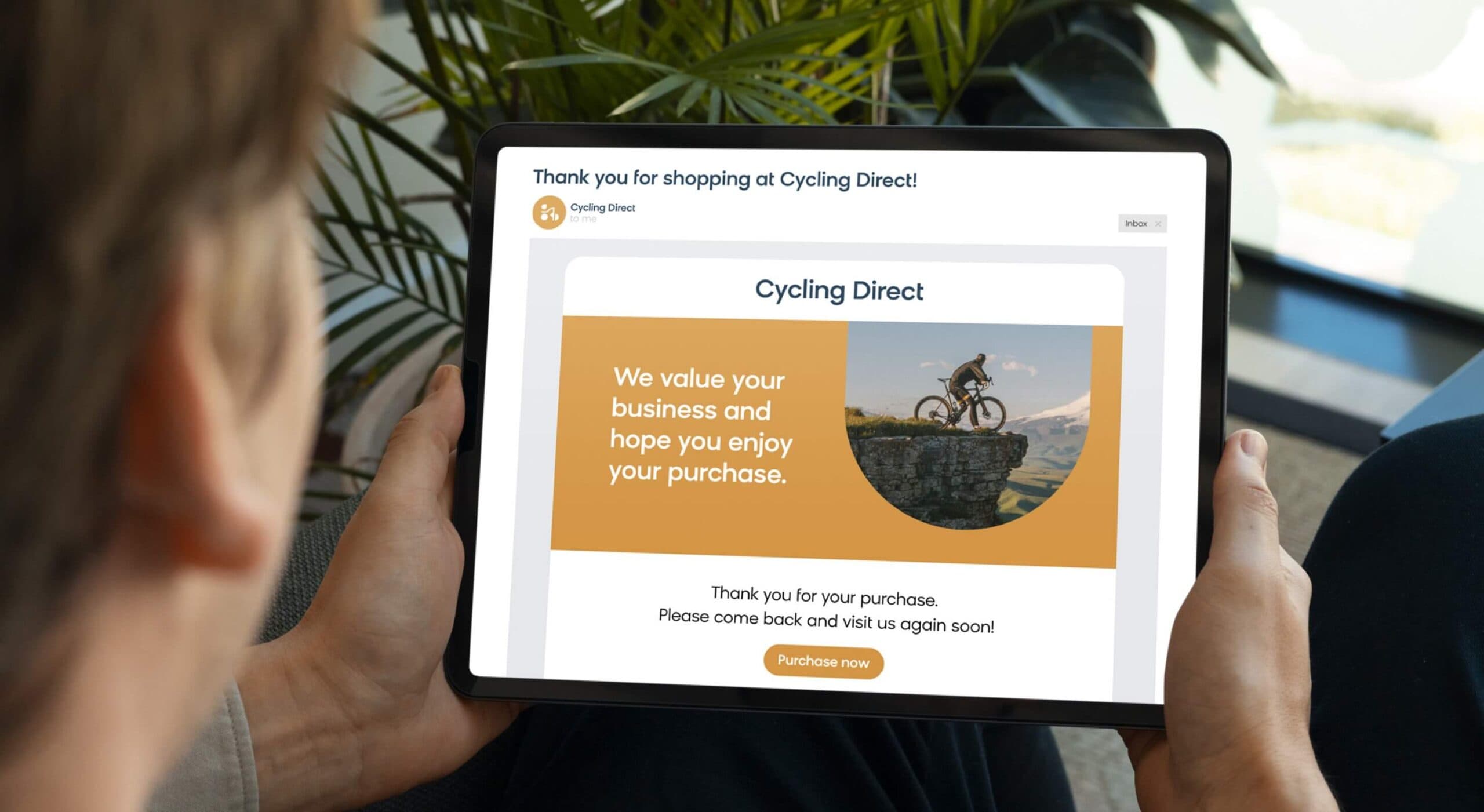
Retaining customers is just as important as acquiring new ones, which is why post-purchase emails are so valuable for ecommerce businesses. Bloomreach’s post-purchase NPS survey use case captures satisfaction scores right after a transaction, and jewelry brand Ana Luisa doubled their share of member credit redemptions by using personalized, real-time post-purchase email campaigns through Bloomreach.
When to Trigger
Purchase completion: A post-purchase email flow should be triggered immediately after a customer completes a purchase.
Product delivery: Time follow-up emails based on expected delivery dates to coincide with product receipt.
Usage patterns: For products with learning curves, trigger educational content based on typical usage timelines.
Key Audience Segments
Segment by purchase value, first-time vs. repeat customers, and product categories. High-value customers might receive VIP treatment and exclusive offers, while first-time buyers need onboarding and brand education to encourage repeat purchases. Product type also matters – consumables need replenishment timing while durables need accessory suggestions.
Success Metrics to Track
Measure repeat purchase rate, customer lifetime value impact, and engagement rates across the sequence. Track support ticket reduction from proactive communication and monitor Net Promoter Score improvements from follow-up surveys. Focus on time to second purchase as a key indicator.
Email Flow Sequence
Here’s a template you can use to build a post-purchase flow:
- Email 1: An order confirmation and thank-you email sent immediately after purchase, including order details and delivery expectations.
- Email 2: A delivery notification sent when the package ships, featuring care instructions or usage tips for the purchased product.
- Email 3: A follow-up email sent 7-10 days after delivery asking about satisfaction and featuring complementary products or accessories.
- Email 4: A loyalty program invitation or review request sent 2-3 weeks later, once customers have had time to experience the product fully.
6. Back-in-Stock Flow
Back-in-stock notifications capitalize on demonstrated purchase intent, targeting customers who actively expressed interest in currently unavailable products. Bloomreach’s restock campaign automatically triggers these flows when inventory systems flag a restock, so customers get notified before items sell out again.
When to Trigger
Inventory updates: Automatically trigger when previously out-of-stock items return to inventory.
Wishlist items: Send notifications when any wishlisted product becomes available.
Notification signups: Target customers who specifically requested restock alerts for particular products.
Key Audience Segments
Priority customers who signed up for notifications deserve first access. Segment by customer tier, with VIP customers getting early notification before general availability. Consider purchase history – customers who previously bought similar items should be prioritized over casual interest signups.
Success Metrics to Track
Track notification open rates, click-through rates to product pages, and conversion to purchase within 24-48 hours. Monitor inventory depletion rates following notifications to gauge email effectiveness. Measure list growth from back-in-stock signup forms as a leading indicator.
Email Flow Sequence
Back-in-stock flows work best with urgency and immediacy:
- Email 1: Immediate notification sent when item restocks, emphasizing limited quantity and featuring a clear “Shop Now” call-to-action.
- Email 2: Follow-up sent 24 hours later to non-purchasers, adding social proof or customer reviews to address hesitation.
- Email 3: Final reminder sent 48 hours later with genuine scarcity messaging if inventory is genuinely running low again.
7. Win-Back/Reengagement Flow
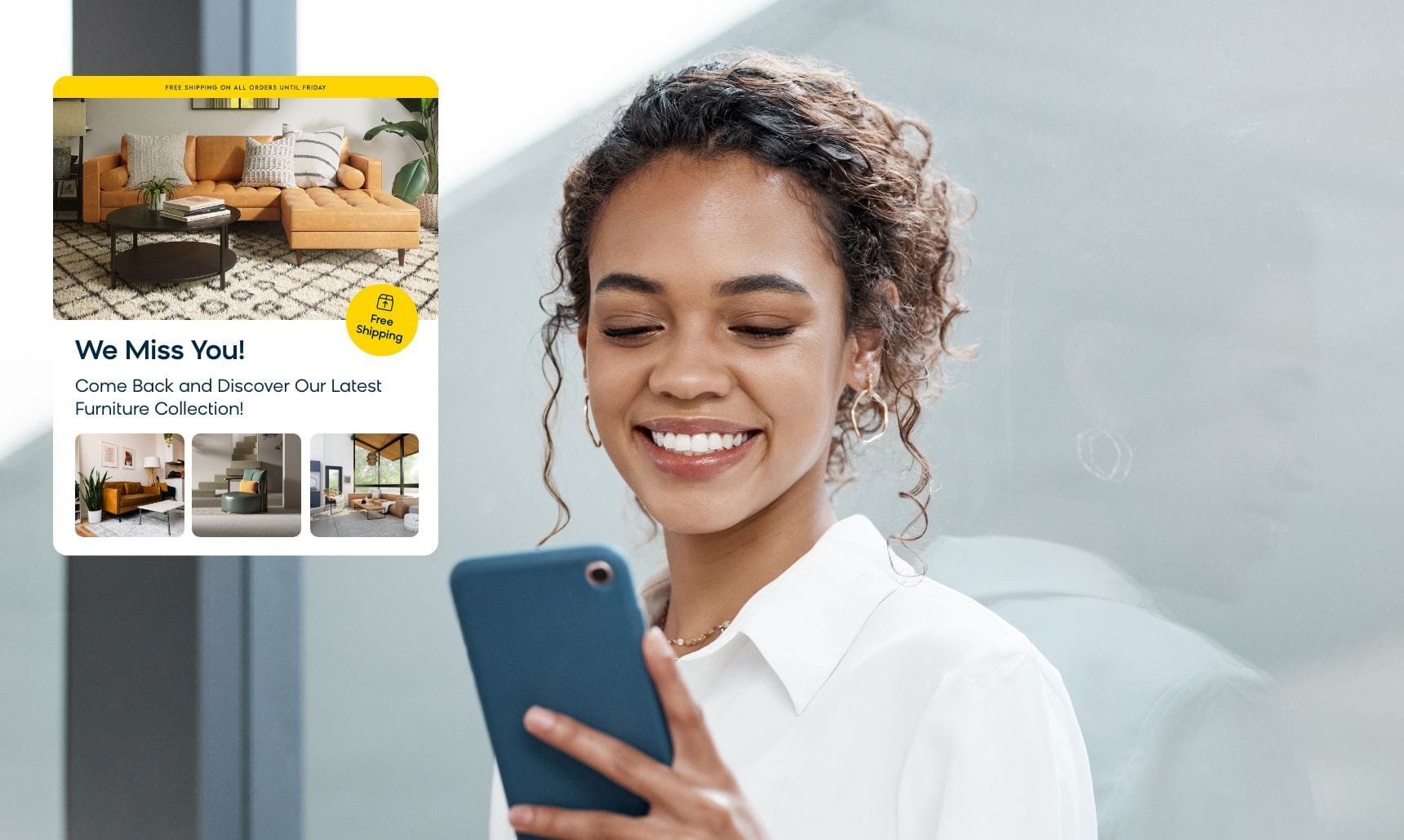
Like post-purchase emails, reengagement flows can take on many different customer journeys. But no matter what you want your ideal shopping journey to look like, win-back emails help you get straying customers back on track. Bloomreach’s win-back campaign use case builds reengagement sequences triggered by inactivity signals, combining email with push notifications and SMS for a true omnichannel approach.
When to Trigger
Inactivity period: Trigger after 30, 60, or 90 days of no email engagement, depending on your typical purchase cycle.
Purchase dormancy: Activate for customers who haven’t purchased in 6-12 months, based on your average repurchase frequency.
Declining engagement: Target subscribers whose open and click rates have dropped significantly over recent campaigns.
Key Audience Segments
Segment inactive customers by their previous engagement level and purchase history. High-value inactive customers warrant more aggressive win-back efforts with exclusive offers, while low-engagement subscribers might receive lighter touch campaigns or be moved to a separate list. Effective email segmentation makes the difference between a generic reengagement blast and a targeted win-back effort.
Success Metrics to Track
Monitor reactivation rates, click-through rates, and conversion back to purchase. Track list hygiene metrics like unsubscribes and deliverability improvements from removing inactive subscribers. Measure the impact on overall list engagement rates as inactive subscribers dilute campaign performance.
Email Flow Sequence
Here’s a blueprint you can use to start shaping your reengagement email flow:
- Email 1: A “we miss you” message highlighting new products, services, and brand updates since their last interaction.
- Email 2: A follow-up email sent one week later showcasing personalized product recommendations based on their previous purchase or browsing history.
- Email 3: A final attempt sent one week later with an exclusive discount or special offer, making it clear this is their last chance before removal from active campaigns.
8. Birthday/Anniversary Flow
Milestone-based emails create emotional connections while driving sales through personalized celebration. These email flows for ecommerce use important dates to deliver relevant offers when customers are most receptive to treating themselves. Bloomreach’s celebration-based campaigns use case makes it straightforward to build milestone triggers based on birthdays, account anniversaries, and other key dates.
When to Trigger
Birthday dates: Send celebration emails during the customer’s birthday month or week, depending on your brand’s approach.
Account anniversaries: Recognize the anniversary of their first purchase or account creation date.
Life events: Trigger emails for wedding anniversaries, graduations, or other milestones when customers opt-in to share this information.
Key Audience Segments
Segment by customer value and engagement level to determine appropriate gifts. Long-term customers might receive higher-value offers than new customers. Consider purchase history to make relevant product suggestions – beauty brands might offer skincare while fashion brands suggest accessories.
Success Metrics to Track
Track redemption rates for birthday offers, revenue generated from milestone campaigns, and customer satisfaction scores. Monitor list growth as customers often share contact information to receive birthday perks. Measure engagement lift in the weeks following birthday communications.
Email Flow Sequence
Birthday flows should feel genuinely celebratory:
- Email 1: A happy birthday email sent 3-5 days before their birthday, featuring a special discount or gift with purchase.
- Email 2: Birthday day email with personalized product recommendations and an extended offer window.
- Email 3: Follow-up sent 3 days later reminding them about unused birthday offers before expiration.
9. VIP/Loyalty Tier Flow
VIP flows recognize your most valuable customers with exclusive access and premium treatment. Bloomreach’s loyalty program campaign personalizes communications based on loyalty tiers, and Finnish retailer Veke increased campaign revenue by 58% using behavior-based automation to deliver personalized experiences to their highest-value customer segments.
When to Trigger
Spend thresholds: Automatically promote customers when they reach VIP spending levels or purchase frequency milestones.
Engagement scores: Elevate highly engaged customers who consistently open emails and interact with your brand.
Loyalty points: Trigger advancement when customers accumulate sufficient points or complete specific actions.
Key Audience Segments
Distinguish between different VIP tiers with increasingly exclusive benefits. New VIPs need onboarding to understand their benefits, while long-term VIPs might receive early access to limited editions or invitation-only product drops. Consider purchase behavior to customize which benefits to emphasize.
Success Metrics to Track
Monitor tier retention rates, increased spend following promotion, and engagement with exclusive offers. Track redemption of VIP benefits and customer satisfaction with tier-specific services. Measure the impact on customer lifetime value and referral generation from VIP customers.
Email Flow Sequence
VIP flows should emphasize exclusivity and appreciation:
- Email 1: Welcome to VIP status email explaining all exclusive benefits and how to access them.
- Email 2: First exclusive offer sent 3-5 days later, featuring early access to sales or member-only products.
- Email 3: VIP experience email sent two weeks later, showcasing special services like priority customer support or personal styling.
10. Replenishment/Reorder Flow
Replenishment flows predict when customers need to restock consumable products, proactively suggesting reorders before they run out. These flows work particularly well for beauty, health, pet supplies, and grocery products with predictable usage patterns. Bloomreach’s refill campaign uses AI-driven purchase patterns to calculate individual usage timelines, making reorder timing precise for each customer.
When to Trigger
Product lifecycle: Calculate typical usage periods for consumable products and trigger emails before depletion.
Historical patterns: Use past purchase behavior to predict when individual customers typically reorder specific products.
Subscription lapses: Target customers whose subscriptions have ended but who historically reordered manually.
Key Audience Segments
Segment by product type and usage frequency. Fast consumers need different timing than occasional users. Consider bundle opportunities for customers who regularly purchase multiple products together. Factor in seasonal usage patterns for products like skincare or supplements.
Success Metrics to Track
Track reorder rates from automated prompts, time between purchase and replenishment, and subscription conversion rates. Monitor inventory management improvements from predictable reorder patterns. Measure customer satisfaction with proactive reorder timing.
Email Flow Sequence
Replenishment flows focus on convenience and necessity:
- Email 1: “Running low?” email sent based on estimated usage timeline, featuring easy one-click reordering.
- Email 2: Follow-up sent one week later with bundle suggestions or subscription options for automatic replenishment.
- Email 3: Final reminder with alternative product suggestions if the original item is out of stock or discontinued.
11. Seasonal Promotion Flow
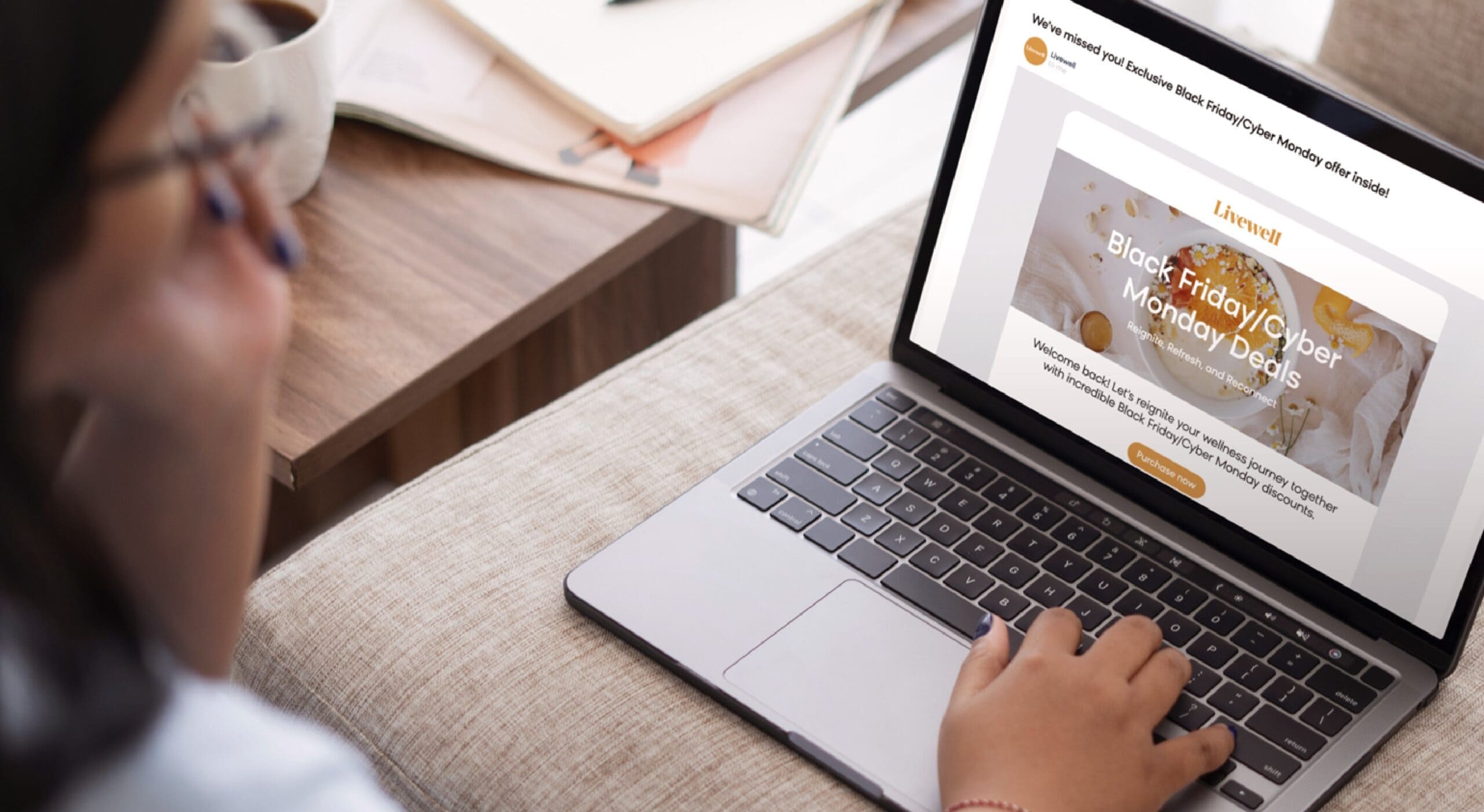
Big-name sales like Black Friday can be make-or-break events for businesses, which is why your email marketing strategy needs to be well-defined and focused on driving meaningful engagement. Bloomreach’s short-term promotions use case creates urgency with time-sensitive offers and countdown timers across email and SMS.
To create an effective seasonal promotional email flow, you should consider incorporating many of the triggers covered above, along with one specific condition for this particular type of sequence:
When to Trigger
Seasonal events: This type of email flow is triggered by specific seasonal events, such as Black Friday, Christmas, spring, summer, or a flash sale. This can be tracked by setting a date-based trigger aligned with the seasonal promotion.
Key Audience Segments
Segment by past seasonal shopping behavior, preferred product categories, and engagement during previous promotional periods. VIP customers might receive early access, while bargain hunters get emphasized discount messaging.
Success Metrics to Track
Track promotional revenue, email-driven sales percentage, and campaign ROI. Monitor inventory movement for featured products and compare performance across different customer segments. Measure list growth during promotional periods for future campaigns.
Email Flow Sequence
Here’s a draft of an event-based promotional email flow you can work with:
- Email 1: An announcement email highlighting the promotion a week in advance, underscoring the key offers and creating excitement around the event.
- Email 2: A reminder email to shop the seasonal sale happening now, emphasizing limited-time offers and special deals.
- Email 3: A last-chance message telling the recipient that the promotion is about to end, possibly including a countdown timer to communicate a sense of urgency.
12. Review and Feedback Request Flow
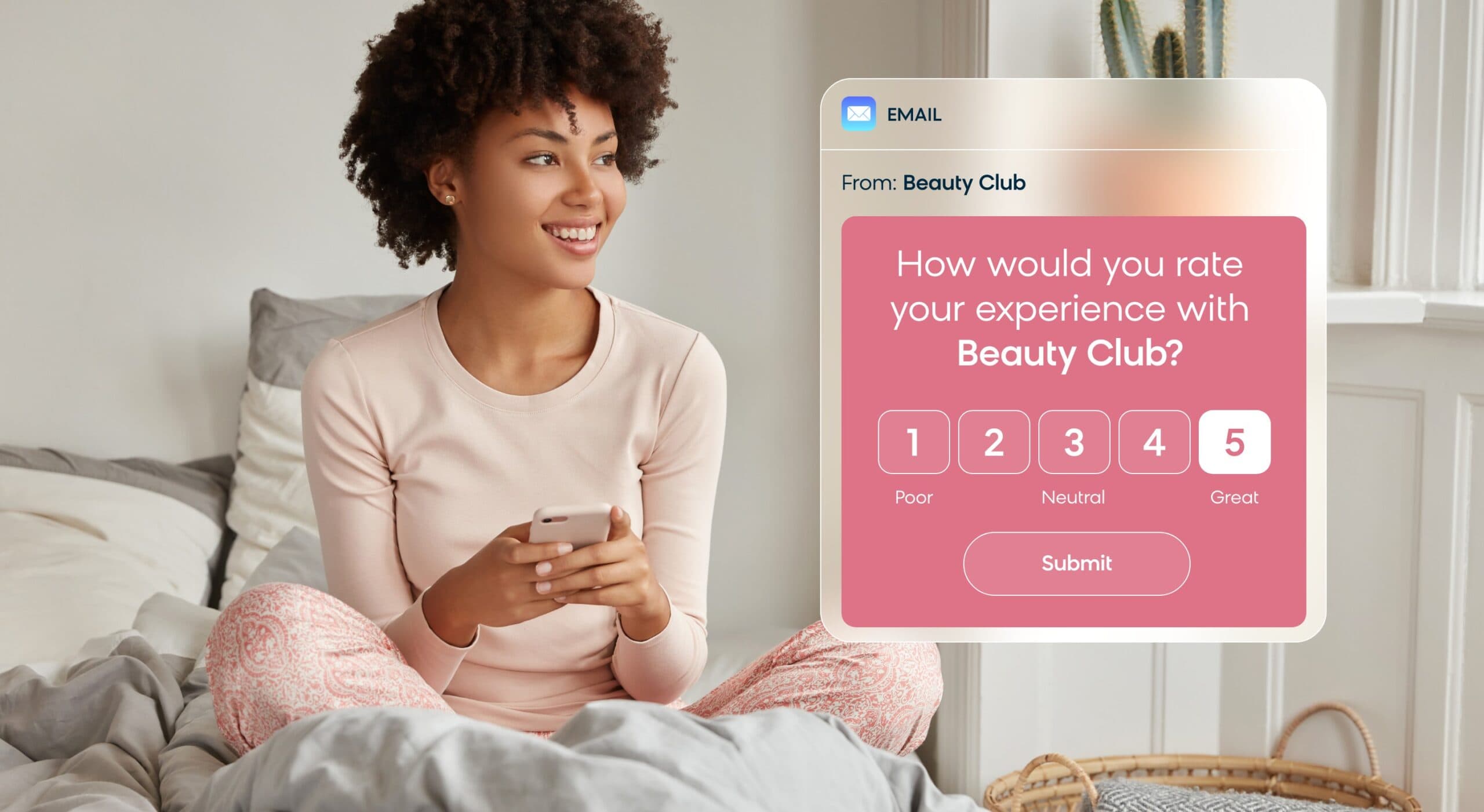
Customer feedback emails provide valuable insights into your customer relationships while generating user-generated content that builds trust with future customers. This flow combines review collection with feedback gathering for comprehensive customer insights.
When to Trigger
Purchase completion: Trigger the flow after a customer completes a purchase, with timing based on product type and typical usage periods.
Delivery confirmation: Start the sequence once delivery is confirmed to ensure customers have received and potentially used the product.
Customer service interactions: Activate following any customer service touchpoint to gauge satisfaction and identify improvement opportunities.
Key Audience Segments
Target recent purchasers and customers who’ve had service interactions. Segment by purchase satisfaction indicators and customer tenure. Long-term customers often provide more detailed feedback, while new customers need simpler, shorter surveys. Consider product complexity when timing requests.
Success Metrics to Track
Measure feedback response rates (target: 10-20%), review generation rates, and sentiment analysis results. Track how feedback leads to product or service improvements and monitor the impact on customer retention rates. Monitor review quality and helpfulness ratings from other customers.
Email Flow Sequence
This combined flow balances feedback collection with review requests:
- Email 1: A thank-you email sent 3-5 days after delivery, asking for brief feedback about their purchase experience and product satisfaction.
- Email 2: A review request email sent one week later, featuring easy links to review platforms and emphasizing how reviews help other customers make decisions.
- Email 3: A final follow-up sent two weeks later for non-responders, offering incentives like future discounts for honest reviews while respecting their choice not to participate.
Build Better Email Flows for Ecommerce With Bloomreach
These email flows for ecommerce help businesses engage with customers when and where it counts. You just need the right marketing automation platform to put your plans into action.
Bloomreach brings together customer data, omnichannel automation, AI, and advanced analytics in a single platform, giving you everything you need to design personalized email marketing campaigns that drive more revenue. We make it easy for you to start anywhere and scale as your business grows.
With prebuilt use cases for welcome flows, abandoned cart recovery, and dozens more, you can get your first email flows for ecommerce running in days rather than weeks. Ready to see it in action? Schedule a personalized demo to learn more.
Frequently Asked Questions About Email Flows
How long should I wait between emails in a flow?
Timing depends on the flow type and customer behavior. Welcome flows can send emails 1-3 days apart, while abandoned cart sequences work best with shorter intervals (1 hour, 24 hours, 72 hours). Post-purchase flows typically space emails 3-7 days apart to avoid overwhelming customers. Always test different timings to find what works for your audience.
How many emails should each flow contain?
Most effective flows contain 2-4 emails. Welcome flows often perform well with 3 emails, while abandoned cart sequences typically use 3-4 emails maximum. Longer flows risk fatigue, but high-value customer flows might warrant additional touchpoints. Monitor engagement rates at each step to identify optimal length.
Should I use discounts in every email flow?
Not necessarily. While discounts can boost conversion rates, overusing them trains customers to wait for deals. Use discounts strategically in win-back flows and final abandoned cart emails. Welcome flows can succeed with value-driven content instead of discounts. Test different incentives like free shipping, exclusive access, or valuable content.
How do I prevent customers from receiving multiple flows simultaneously?
Set up suppression rules and flow hierarchies in your email platform. For example, customers who make a purchase should exit abandoned cart flows immediately. Create priority systems where high-value flows (like VIP) take precedence over general flows (like product recommendations). Regular list hygiene prevents conflicts.
What’s the best way to personalize email flows?
Start with basic personalization using names and purchase history, then advance to behavioral triggers and product recommendations. Use browsing data to suggest relevant products, use purchase history for replenishment timing, and incorporate location data for seasonal relevance. AI-powered email marketing can optimize send times and content for individual customers.
How often should I update my email flows?
Review flow performance monthly and update content quarterly. Seasonal flows need refresh before each relevant period, while evergreen flows like welcome series should be updated every 3-6 months. Monitor industry benchmarks and customer feedback to identify improvement opportunities. A/B Testing should be ongoing for high-impact flows.
What metrics matter most for email flow optimization?
Focus on conversion rates and revenue per email rather than just open rates. Track flow completion rates to identify drop-off points, monitor unsubscribe rates to gauge customer satisfaction, and measure time to conversion to optimize timing. Customer lifetime value impact is crucial for post-purchase and loyalty flows.
Can email flows work for small businesses?
Absolutely. Start with essential flows like welcome, abandoned cart, and post-purchase sequences. Many email platforms offer automated flow templates that require minimal setup. Small businesses often see higher engagement rates due to closer customer relationships. Focus on 2-3 core flows initially, then expand as your list grows.