Marketing automation workflows are the engine behind every effective campaign. They turn manual, repetitive tasks into coordinated sequences that respond to customer behavior in real time, delivering relevant messages on each customer’s preferred channel and at the time they’re most likely to engage.
This guide breaks down what marketing automation workflows are, walks through 10 essential examples you can implement, and explores how AI is making these workflows smarter and more adaptive.
What Are Marketing Automation Workflows?
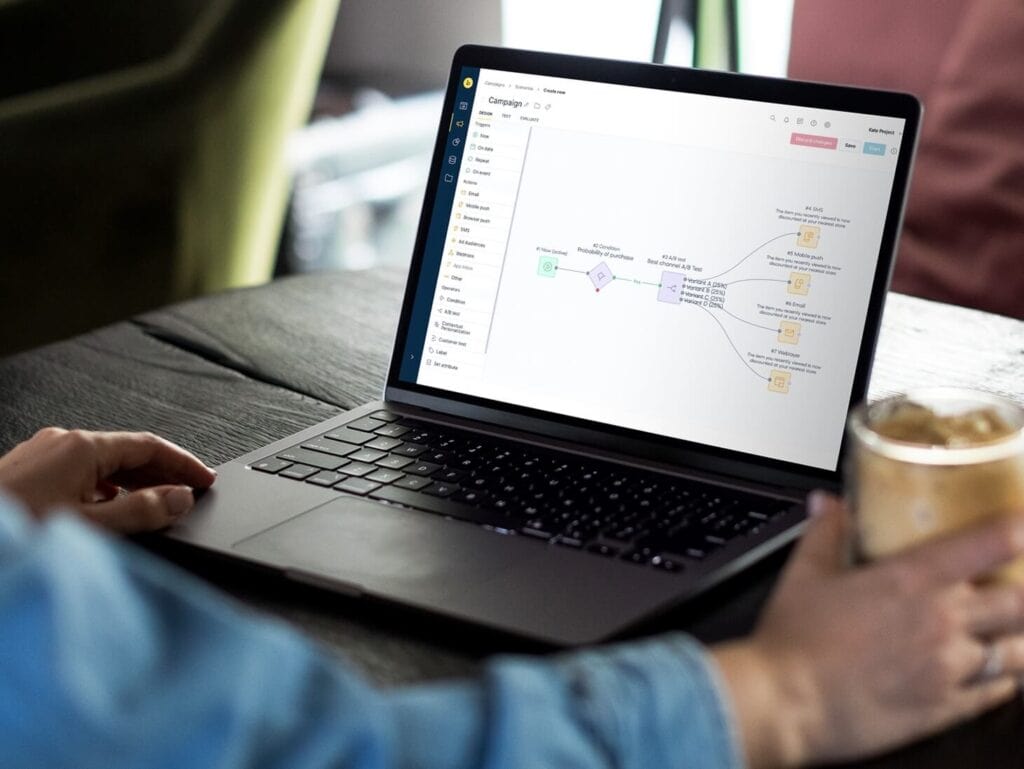
Marketing automation workflows are a series of automated actions triggered by specific customer behaviors or predefined conditions. When a customer takes an action (the trigger), the workflow evaluates conditions and executes a response (the action) on a set timeline.
Every workflow has four core components:
- Triggers: The customer action that starts the workflow (e.g., a form submission, a purchase, a period of inactivity, or a browse event)
- Conditions: Rules that determine which path a customer follows — for example, a condition might check whether the customer is a first-time buyer, has spent over $100, or has opened a previous email
- Actions: What happens when the trigger fires and conditions are met (e.g., send an email, add a tag, update a segment, or route to a sales rep)
- Timing: When the action executes (i.e., immediately, after a delay, or at a specific time optimized for each recipient)
The power of workflows comes from chaining these components together. One action can trigger the next workflow, creating a continuous, adaptive customer journey. For a broader overview of workflows in action, check out our marketing automation guide.
Why Marketing Automation Workflows Matter
Marketing automation workflows are crucial to help brands save time, but more importantly, they also facilitate precision at scale.
Without automation, personalization has a ceiling. A team of five marketers can’t manually customize campaigns for 500,000 customers across email, SMS, push notifications, and web. Workflows remove that constraint by making every customer interaction data-driven and consistent (and automated!).
The efficiency gained from marketing automation workflows is why 76% of marketers who implement marketing automation see a positive ROI within a year.
The takeaway: Automation workflows produce better results with less effort, and the gap compounds over time as workflows learn and optimize.
10 Essential Marketing Automation Workflow Examples
Here are 10 workflows every marketing team should consider implementing. Each one is broken down by what it does, how it triggers, and which channels work best.
Welcome Series
What it does: Introduces new subscribers to your brand, delivers any promised incentives, and guides them toward a first purchase.
Trigger: A user subscribes to your email list or creates an account.
Workflow steps:
- Immediately: Send a welcome email confirming the subscription and delivering any sign-up incentive (e.g., discount code, free resource).
- Day 2: Share your brand story, mission, or unique value proposition.
- Day 5: Showcase best-selling products with social proof (i.e., reviews and ratings).
- Day 8: If the user didn’t redeem the offer, send a final nudge with a reminder that the welcome offer expires soon.
Best channels: Email (primary), SMS for a short welcome message
Tip: Each email should have one clear call to action. Don’t try to cram brand story, product showcase, and discount into a single send.
See the personalized welcome flow use case in action.
Abandoned Cart Recovery
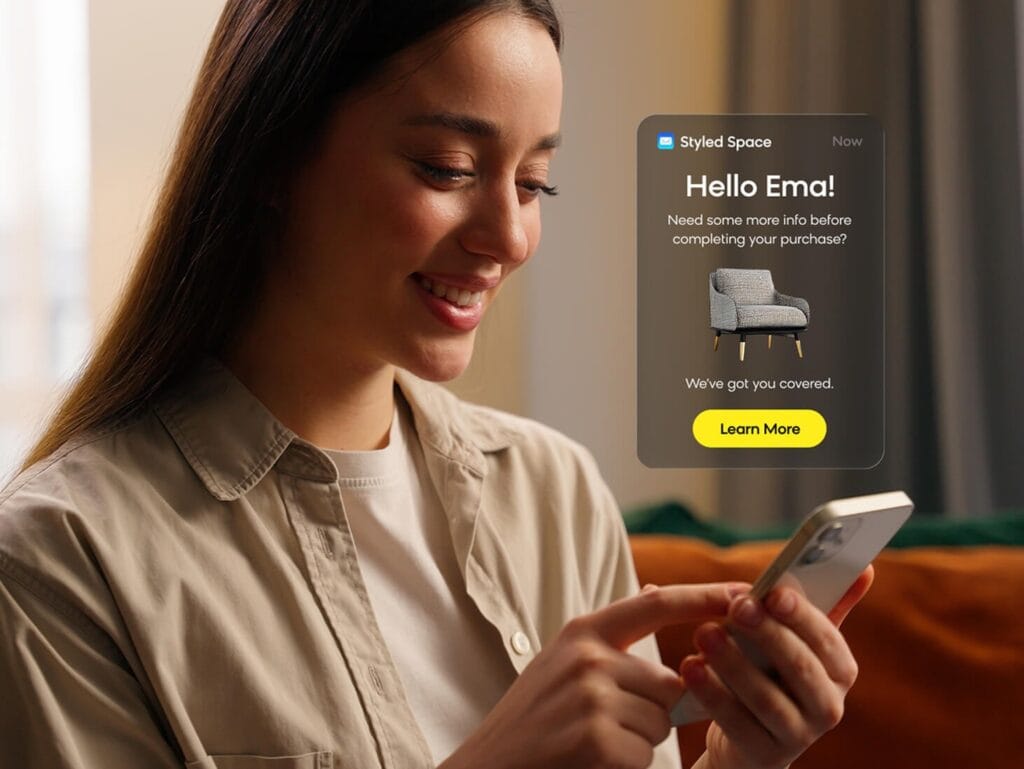
What it does: Recovers revenue from shoppers who added products to their cart but didn’t complete the purchase.
Trigger: A customer adds items to their cart and doesn’t check out within a set time period.
Workflow steps:
- 1 hour after abandonment: Send a reminder email with images of the items left behind and a direct link back to the cart.
- 24 hours: Address common purchase hesitations (returns policy, shipping info, customer reviews).
- 48 hours: Offer a small incentive (free shipping or a percentage discount) as a final push.
Best channels: Email for rich product visuals, SMS for a short urgency-based reminder
Cart abandonment is one of the highest-ROI workflows you can build. The average cart abandonment rate is 70.19%, with mobile rates exceeding 80%. Even recovering a small percentage of those carts can lead to significant revenue.
See the abandoned cart recovery use case in action.
Post-Purchase Nurture
What it does: Builds loyalty after a first purchase by reinforcing the buying decision and laying the groundwork for repeat business.
Trigger: A customer completes their first order.
Workflow steps:
- Immediately: Send an order confirmation with a personal thank-you message (separate from the transactional receipt).
- Day 7-10: Product tips, usage guides, or complementary content related to their purchase.
- Day 21: Check-in email asking about their experience, with a cross-sell recommendation based on purchase history.
Best channels: Email for detailed value-add content
Tip: The goal of this workflow is relationship-building, not immediate upselling. Lead with genuine value.
Browse Abandonment
What it does: Reengages visitors who viewed specific products multiple times but never added anything to their cart.
Trigger: A known contact views a product page 2-3 times within a set period without adding to cart.
Workflow steps:
- The first 2-4 hours: Send a “Still thinking about it?” email featuring the products they viewed, along with customer reviews.
- After 24 hours: Recommend similar or complementary products to expand their consideration set.
Best channels: Email, web personalization (showing viewed products on return visit)
Tip: Set a frequency cap (once per 30 days) so this workflow doesn’t feel intrusive. The tone should be helpful, not surveillance-like.
See the abandoned browse campaign use case in action.
Win-Back Campaign
What it does: Reactivates customers who haven’t purchased in a defined period.
Trigger: No purchase activity for 90-180 days (adjust based on your typical repurchase cycle).
Workflow steps:
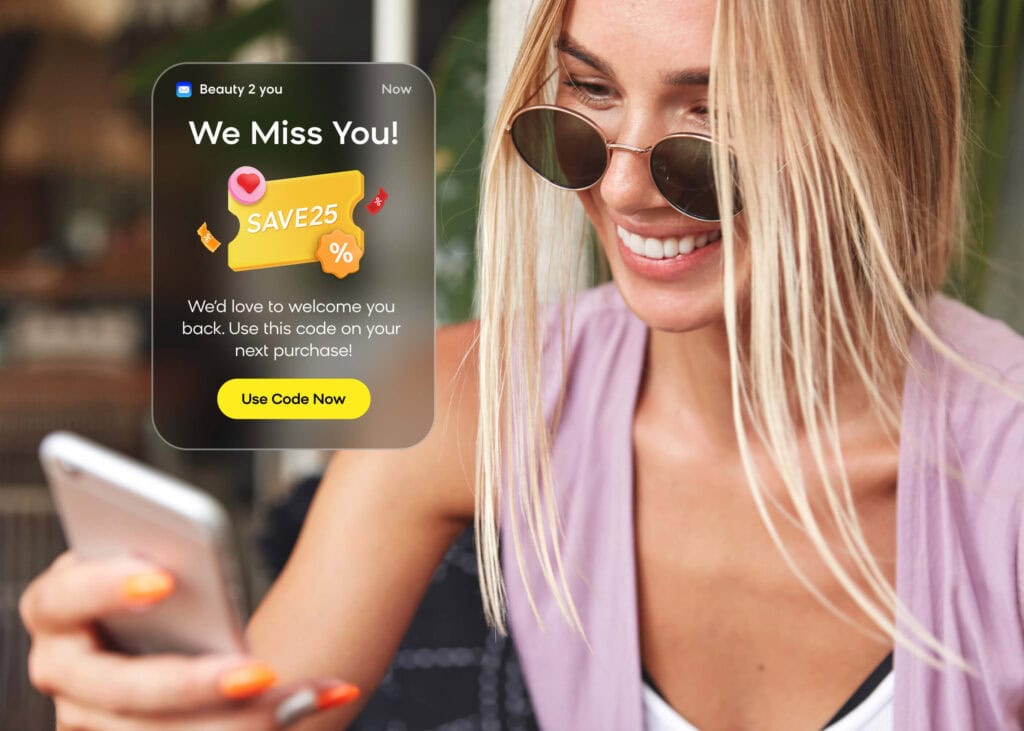
- Day 1: Send a “We miss you” email highlighting what’s new since their last visit.
- Day 14: Send a time-sensitive discount or exclusive offer.
- Day 21: Send a final reminder that the offer is expiring, with an optional SMS.
Best channels: Email for the initial outreach, SMS for urgency on the final reminder
Tip: If a customer doesn’t respond to the full sequence, consider moving them to a suppressed segment. Sending to disengaged contacts hurts deliverability over time.
See the win-back campaign use case in action.
Cross-Sell and Upsell
What it does: Increases customer lifetime value by recommending relevant products based on purchase history.
Trigger: A customer purchases a specific product or product category.
Workflow steps:
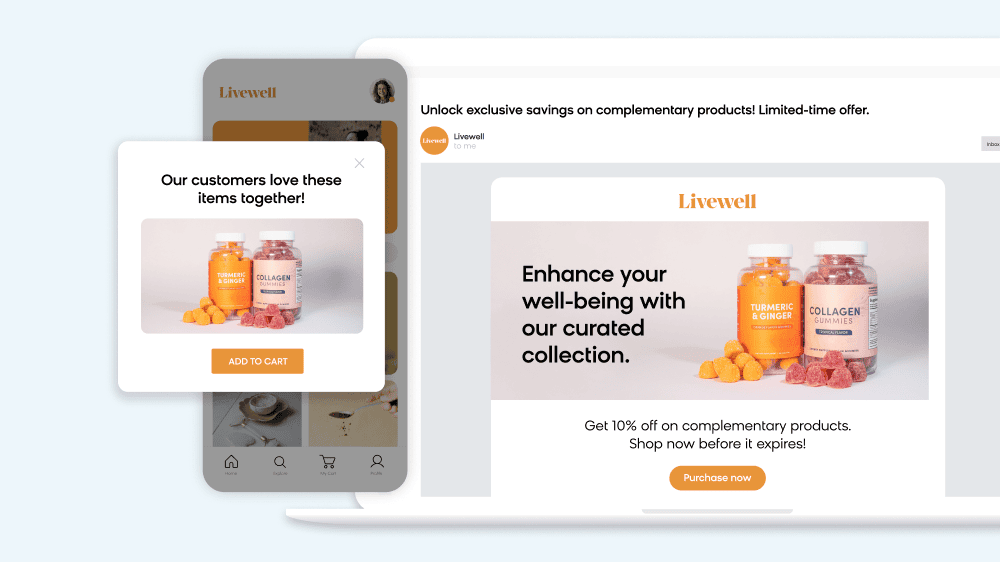
- Day 14-21: Send a product recommendation email featuring complementary items (e.g., “Customers who bought X also loved Y”).
- Ongoing: Add the customer to a product-interest segment for future targeted campaigns.
Best channels: Email for detailed product showcases, web personalization for on-site recommendations
See the cross-sell use case in action.
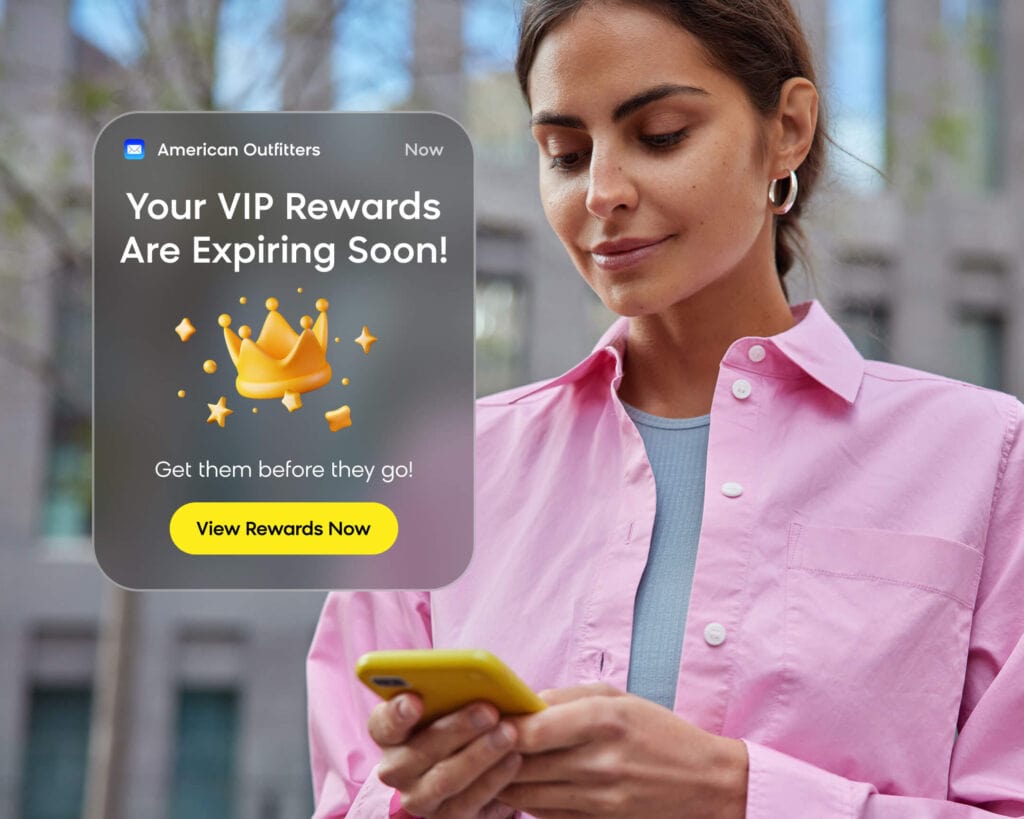
VIP and Loyalty Rewards
What it does: Recognizes and rewards your highest-value customers to deepen loyalty and encourage continued spending.
Trigger: A customer crosses a spending threshold, purchase count, or loyalty tier.
Workflow steps:
- Immediately: Send an email announcing their new status and exclusive perks (e.g., early access, permanent discount, free shipping).
- Ongoing: Deliver perks to the VIP segment, such as early access to sales, new product launches, and surprise offers.
Best channels: Email for announcements and exclusives
Tip: VIP perks should feel genuinely exclusive. If everyone gets the same offers, the VIP tier loses its value.
See the loyalty program campaign use case in action.
Replenishment Reminders
What it does: Drives repeat purchases for consumable products by reminding customers before they run out.
Trigger: A set number of days has passed since the customer purchased a consumable product (e.g., 25 days for a 30-day supply).
Workflow steps:
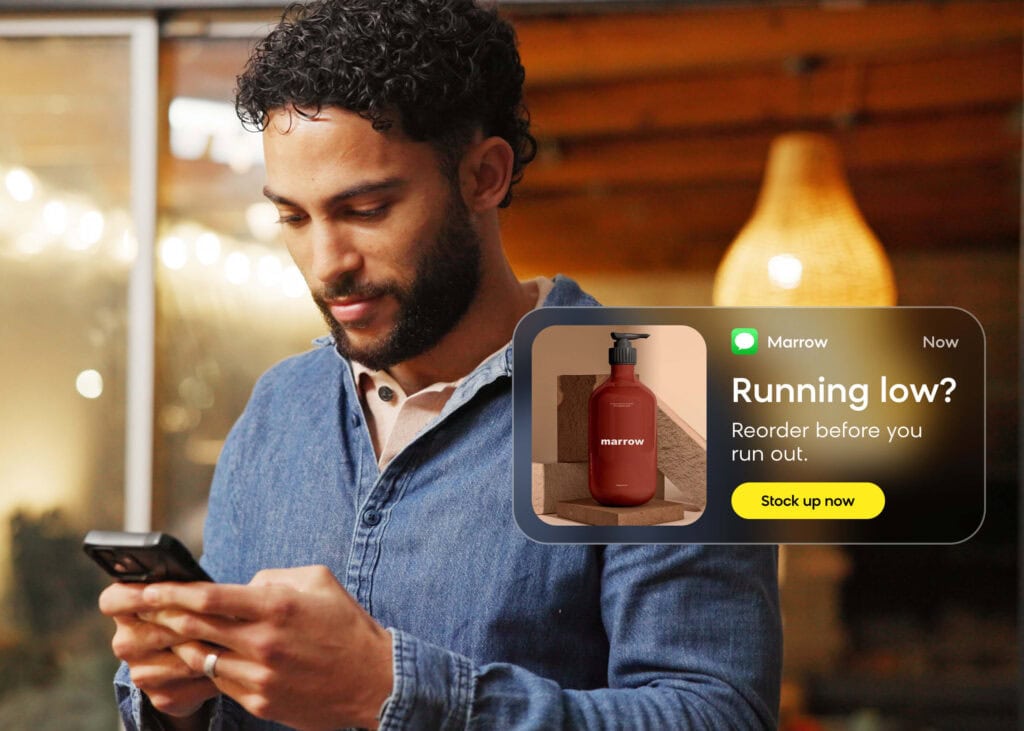
- 5-7 days before expected depletion: Send a reminder email or SMS. For example: “Running low? Reorder before you run out.”
- 1-2 days before: Send a final reminder with a one-click reorder link.
Best channels: SMS for short reminders, email for product visuals
Tip: Use this workflow to pitch a subscribe-and-save option. Customers who automate their reorders have significantly higher lifetime value.
See the refill campaign use case in action.
Birthday and Anniversary Offers
What it does: Sends personalized offers on customer milestones to build an emotional connection and drive a purchase.
Trigger: A date field (birthday or first-purchase anniversary) approaches.
Workflow steps:
- 7 days before: Send a teaser: “Something special is coming your way next week!”
- On the day: Deliver the offer, such as a generous discount, a gift, or exclusive product access.
- 7 days after: Remind the customer about the offer’s expiration date.
Best channels: Email for the main offer, SMS for a short birthday greeting
See the celebration-based campaigns use case in action.
Lead Scoring and Routing
What it does: Qualifies prospects based on engagement and routes high-intent leads to sales.
Trigger: A contact accumulates a set number of engagement points (email opens, page visits, content downloads, pricing page views).
Workflow steps:
- Score threshold reached: Update lead status to “Sales Qualified.”
- Immediately: Notify the sales team via CRM integration or internal alert.
- Parallel: Send the lead a personalized email with relevant case studies or a demo offer.
Best channels: Internal routing and CRM sync, email for outbound nurture
Tip: Weight your scoring model toward high-intent actions. A pricing page visit should count more than a blog post view.
How AI Is Changing Marketing Automation Workflows
Traditional workflows follow fixed rules. When a customer does X, the system does Y. These rule-based sequences work, but they have limits: they can’t adapt to individual behavior in real time, they require constant manual tuning, and they don’t learn.
AI changes that equation. That’s why 65% of CMOs believe AI will dramatically transform their role within the next two years.
Here’s what AI-powered marketing automation workflows look like in practice:
AI-Powered Audience Segmentation
Traditional segmentation requires marketers to manually define criteria and rebuild segments as behavior changes. Meanwhile, AI agents can analyze millions of customer attributes, identify high-value segments humans would miss, and keep audiences current as new data flows in.
Hornby Hobbies, the UK hobby retailer, cut analytics design time by 70% using Loomi Analytics. Instead of manually building reports and segments, the team asks questions in natural language and gets actionable insights in real time. The brand also saw a 34% increase in email campaign revenue within four months of implementing automated campaigns with personalized product recommendations.
Predictive Send Times and Channel Selection
Instead of marketers guessing whether email, SMS, or push will perform best, AI agents analyze each customer’s engagement history and select the channel and send time most likely to drive a response. This process improves over time as the AI collects more data on individual preferences.
Campaign Creation From Prompts
With a solution like Bloomreach’s Campaign Agents, marketers can now build entire campaigns from a simple prompt. Simply describe your objective, and a coordinated team of agents handles segmentation, messaging, channel selection, scheduling, and personalization. Where traditional workflows require hours of manual setup, campaign agents produce a ready-to-review campaign in minutes.
Collectibles brand Sideshow used Campaign Agents to greatly streamline its processes. With a lean marketing team, Sideshow prompted the AI agents to do the heavy lifting, and the brand has been able to go from campaign idea to launch in under 15 minutes. These AI-created campaigns have also proven to be effective, with a single campaign driving $10K in revenue.

How To Build Effective Marketing Automation Workflows
Whether you’re starting from scratch or optimizing existing workflows, follow these steps to build marketing automation workflows that work:
1. Define Your Goal
Every workflow should have a single, measurable objective. “Increase repeat purchase rate” is a goal. “Create an email” is not.
2. Map the Customer Journey
Identify the trigger event, the decision points, and the desired outcome. Sketch it out before you touch a workflow builder.
3. Choose Triggers and Conditions
Select the behaviors and criteria that will activate each step. The more specific your triggers, the more relevant your messaging.
4. Think Beyond Email
The most effective workflows span multiple channels. Combine email with SMS for urgency, push notifications for time-sensitive offers, and web personalization for returning visitors. Bloomreach’s marketing automation supports all your channels from a single platform.
5. Test, Measure, and Optimize
Launch the workflow, then monitor performance. Be sure to A/B test subject lines, timing, incentive levels, and channel combinations. The best workflows are the ones that keep improving.
Automate Smarter With Bloomreach
Marketing automation workflows produce results. AI-powered workflows produce game-changing results with less effort.
Bloomreach’s Loomi AI is an agentic platform that understands every customer in context and tailors their experience in real time. Loomi AI powers unified marketing automation, greatly speeds up execution with Campaign Agents, and automatically identifies valuable audiences with AutoSegments.
Bloomreach gives marketing teams the tools to work smarter and move faster. See how it can work for your brand by scheduling a personalized demo.
Frequently Asked Questions
What is a marketing automation workflow?
A marketing automation workflow is a series of automated actions triggered by specific customer behaviors or predefined conditions. When a customer takes an action (like signing up for a newsletter or abandoning a cart), the workflow automatically executes a sequence of responses, such as sending emails, updating customer segments, or notifying a sales team, based on rules and timing you define.
What are examples of marketing automation workflows?
Common examples include welcome series for new subscribers, abandoned cart recovery sequences, post-purchase nurture campaigns, win-back campaigns for lapsed customers, cross-sell and upsell recommendations, VIP loyalty rewards, and birthday offers.
How do you create a marketing automation workflow?
Start by defining a single, measurable goal (e.g., recover abandoned carts). Map the customer journey from trigger to outcome. Choose the trigger event, set conditions that determine which path a customer follows, define the actions and timing for each step, and select the channels (email, SMS, push, web). After you launch, you can then monitor performance and A/B test to optimize.
What is the difference between marketing automation and workflow automation?
Marketing automation specifically focuses on automating marketing tasks like email sends, audience segmentation, and campaign execution based on customer behavior data. Workflow automation is a broader term that applies to any business process (HR onboarding, IT ticketing, project management). Marketing automation workflows combine both: they apply workflow automation principles specifically to marketing use cases.
How does AI improve marketing automation workflows?
AI transforms marketing automation workflows by replacing fixed rules with adaptive intelligence. Instead of following preset paths, AI agents can analyze customer behavior in real time to select optimal channels and send times, build dynamic audience segments that update automatically, personalize content for individual recipients, and create entire campaigns from a simple prompt. The result is workflows that learn, adapt, and improve with each interaction.