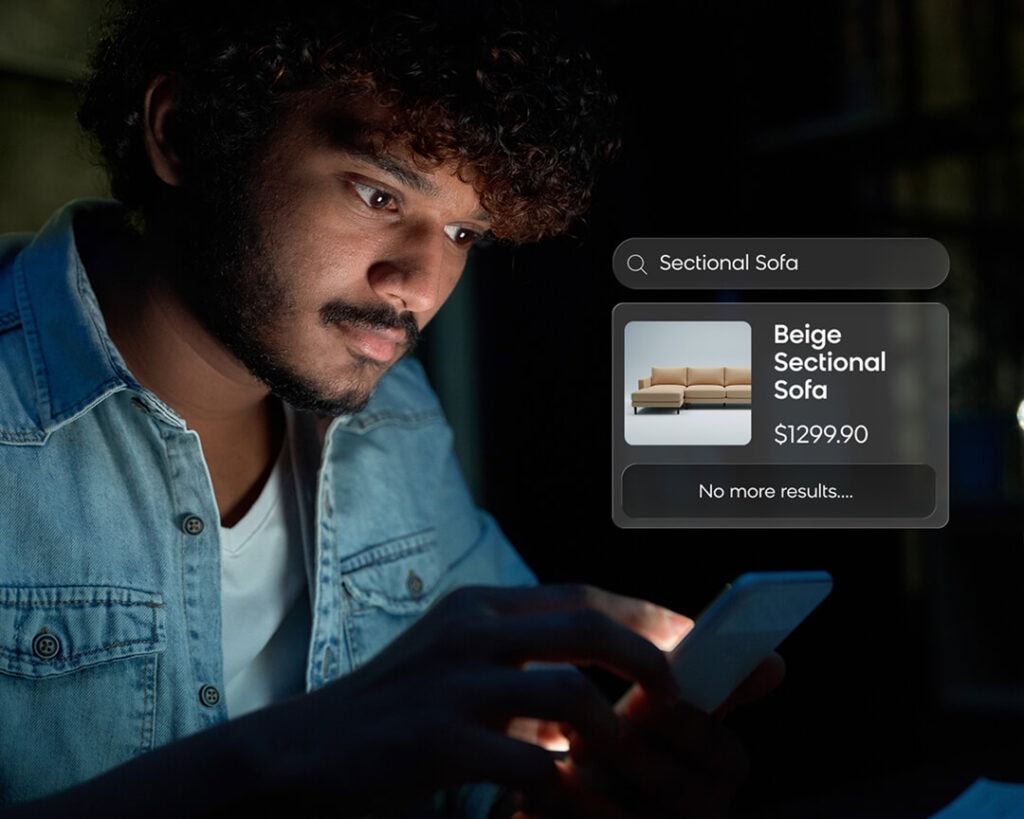
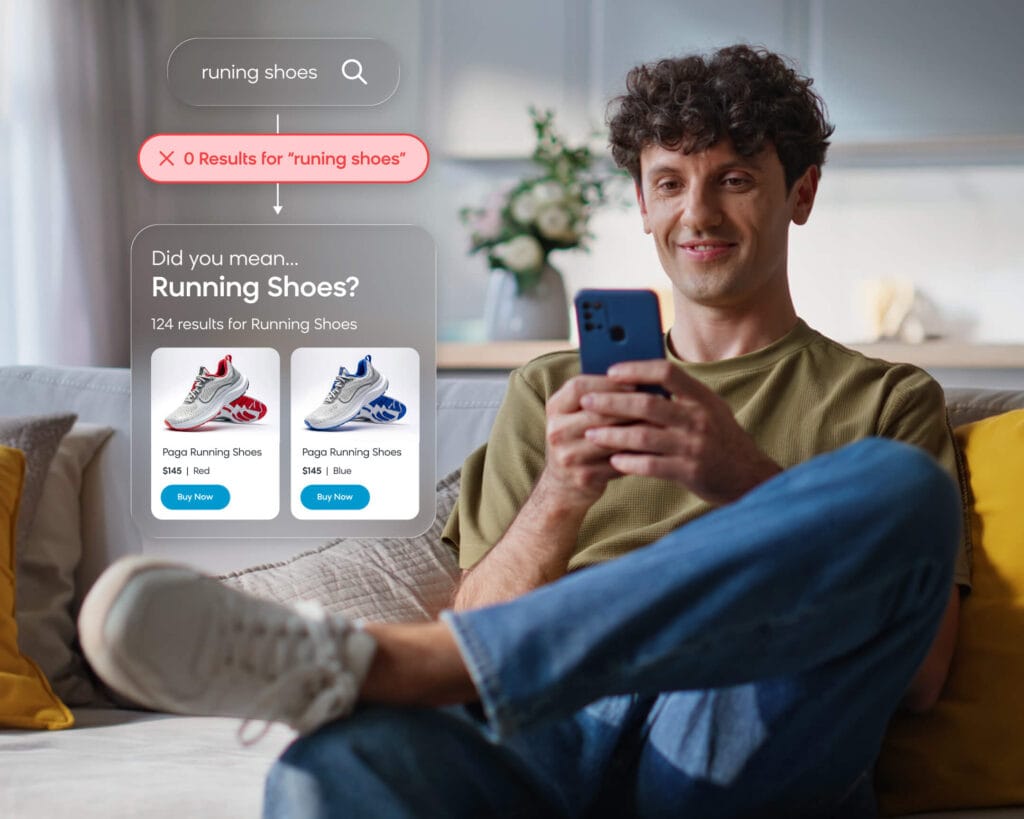
A zero results page is one of the fastest ways to lose a high-intent shopper. These are the customers who typed a specific query and know what they want, but your search engine told them nothing is available. That costs you real revenue.
The problem usually lies with technology or data gaps, but the good news is that it’s easily fixable, especially with a solution like Loomi search. Learn how you can address zero search results and make sure you don’t drive potential customers away.
Why Zero Results Happen: The Four Root Causes
Before implementing any fix, it’s worth understanding which problem you’re actually solving. Zero results pages have four distinct root causes, and the treatment for each one is different.
Typos and Misspellings
Shoppers type fast, especially on mobile, which can lead to mistakes (e.g., “runing shoes,” “dinning table,” “phine charger”). Search engines that require exact string matches fail on all of these. This is the most commonly discussed root cause and, in isolation, the easiest to address with fuzzy matching or autosuggestions.
Synonym and Terminology Gaps
Oftentimes, shoppers will use different words than your catalog does: “couch” vs. “sofa,” “pants” vs. “trousers,” “jumper” vs. “sweater.” For multilingual retailers, the gap can be even wider (Québécois French slang versus standard catalog terminology, for example). If your search engine treats these as unrelated terms, it returns nothing.
Catalog Data Gaps and Miscategorization
Products might exist in your warehouse but are miscategorized, lack key attributes, or carry product titles that don’t reflect how shoppers search. A patio chair tagged only under “outdoor furniture” won’t surface for someone searching “patio chair.” The search engine isn’t broken here — the data is.
Legacy Keyword-Matching Architecture
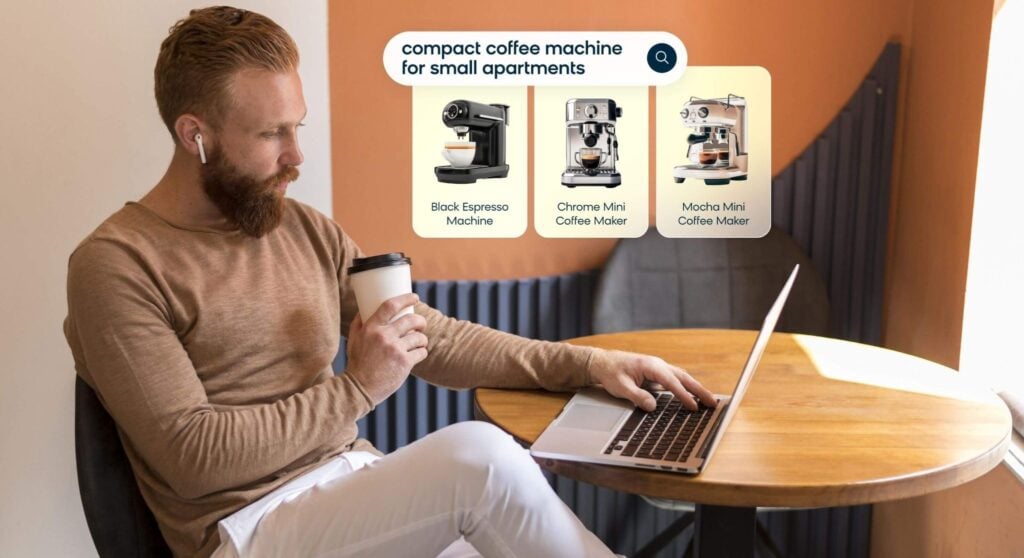
This is the deepest root cause and the one most often overlooked. Traditional keyword-matching engines require near-exact string matches. They can’t interpret natural language queries like “something warm to wear hiking in October” or intent-driven searches like “gift for a 5-year-old who likes dinosaurs.” Too often, sites will fail to understand the queries where shoppers describe context rather than a product type, and no synonym list will fix an architecture that can’t read intent.
The root cause matters because the fix is different for each one. Treating a catalog data problem with more synonyms won’t work, just as treating an architecture problem with typo correction won’t work.
Here’s how you can start addressing these issues.
Step 1: Diagnose Before You Fix
Many teams skip this step and go straight to implementation, but this can lead to them solving the wrong problem.
What you need first is a clear picture of which queries are actually failing and why. Pull your zero-results query list from your analytics platform and look at:
- The zero result rate as a percentage of total searches
- Which specific queries are returning nothing
- Whether those queries cluster around spelling errors, terminology differences, or natural language phrases your engine can’t parse
Most ecommerce platforms expose this data somewhere, though the depth will vary. Look for tools that surface failing queries at the query level, sortable by frequency and with no SQL query or analyst handoff required. The difference is whether your search team can act on this data directly or has to wait for a custom data pull every time something needs investigating.
Once you have your zero-results query list, categorize the top 20 manually. Are they misspellings? Terms your catalog uses differently? Entirely new product types you don’t carry? Natural language phrases your engine can’t parse? That categorization tells you which layer of the fix to prioritize, and it gives you a baseline to measure improvement against once you start making changes.
Step 2: Prevent Zero Results at the Search Engine Level
Prevention means building a search engine that finds something relevant rather than returning a blank page. This layer has several components, and which ones matter most depends on what your diagnosis in the first step revealed.
- Typo tolerance and fuzzy matching. This is the baseline. A search engine should recognize “runing shoes” as “running shoes” without a manually created synonym rule. Most modern platforms include this capability. If yours doesn’t, it’s overdue for an upgrade.
- Synonym management that’s curated and algorithmic. Manually curated synonyms let your merchandising team map known gaps immediately: “sofa” routes to “couch,” “trousers” routes to “pants,” etc. Algorithmic synonym generation learns from behavioral signals over time, catching gaps you don’t know about yet because shoppers who search “couch” consistently click on “sofa” results.
- Query relaxation and expansion. When a query returns nothing, the engine shouldn’t immediately give up. Query relaxation means automatically dropping the least critical terms or broadening matching criteria before displaying a zero results page. If “waterproof hiking boot size 12 wide” returns nothing, a well-configured engine relaxes to “waterproof hiking boot” rather than surfacing an empty page. Loomi’s query relaxation handles this automatically, keeping shoppers in the funnel when strict matching fails.
- AI and semantic search as the structural fix. Synonyms and typo correction are patches on a keyword-matching architecture. The real prevention fix is an engine that understands query intent rather than just character strings. So, a search for “something warm for the cabin” should surface fleece jackets, thermal layers, and blankets. Hybrid vector search combines semantic understanding with traditional keyword precision, giving you the best of both approaches.
Patrick Morin runs a network of home improvement stores across Quebec and Ontario, serving a customer base that shops in both official languages, plus a healthy mix of regional slang. That linguistic complexity created a persistent zero results problem. Shoppers were mixing English and French, using Québécois slang, or switching between languages mid-query. Bloomreach’s combination of curated and algorithmic synonym logic addressed those gaps directly. Paired with autosuggest that returned products, SKUs, and categories from the first keystroke, the fix intercepted shopper intent before bad queries were even submitted. This resulted in a 25% increase in search-driven conversions, a 10% lift in revenue from search, and an 8% boost in revenue per visit.

The synonym and autosuggest work was one component of that improvement, not the entire explanation, but addressing the zero results gap was a measurable part of what moved the numbers. The team explicitly tracked null results as a KPI in their analytics dashboard, using query-level insights as a continuous feedback loop.
Step 3: Design a No Results Page That Keeps Shoppers Engaged
Even with strong prevention in place, zero results will still occur for out-of-stock products, catalog gaps, or edge cases. The page a shopper sees in those moments determines whether you recover the session or lose it entirely.
- Be honest about what happened. Acknowledge that nothing matched the query. Don’t silently replace the empty results with loosely related products and hope the shopper doesn’t notice. Shoppers who feel misled leave, while shoppers who feel heard will often try again.
- Give clear next steps. The no results page that ecommerce teams tend to underinvest in should function as a redirect, not a dead end. Surface search refinement suggestions and links to popular categories. UX research consistently shows that zero results pages with no guidance drive near-total session abandonment.
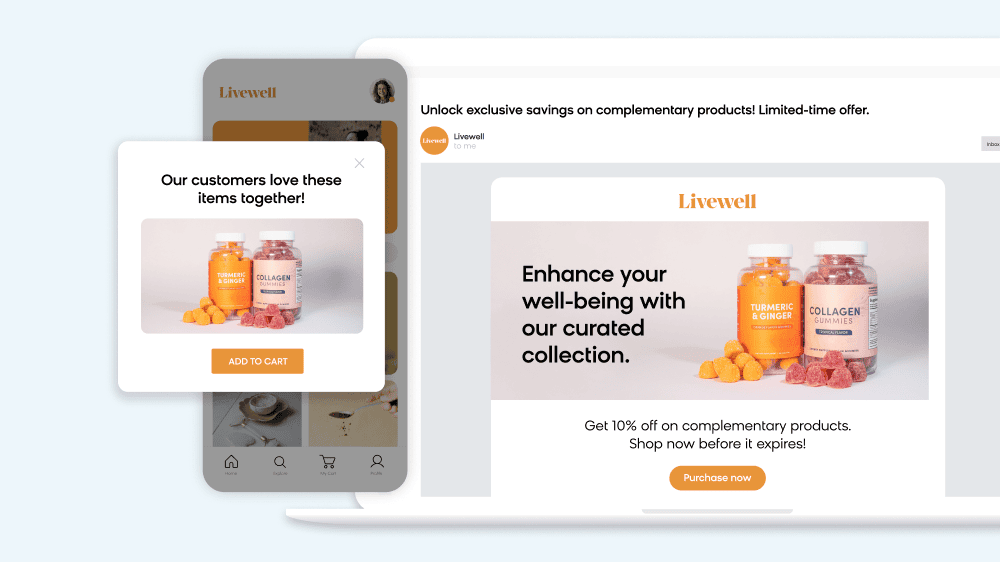
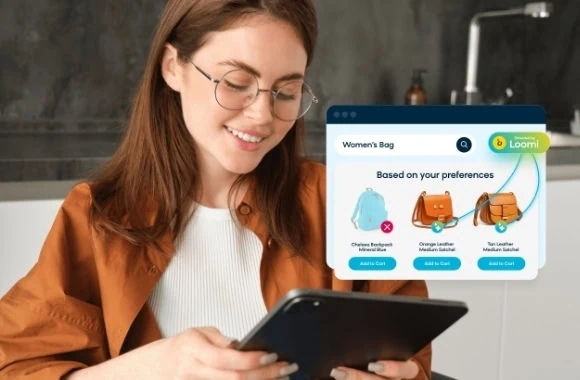
- Surface product recommendations. Show bestsellers from the most relevant category, recently viewed items, or an editorially curated “popular right now” module. The goal is to shift the shopper’s attention from what they couldn’t find to something they might actually want. Just make sure these recommendations are still personalized: A shopper who’s been browsing kids’ shoes shouldn’t see bestsellers from the power tools category.
- Configure smart redirects for high-frequency failures. After your initial diagnosis, you’ll have a list of queries that fail the most. For any query that maps clearly to an existing category or product, configure a manual redirect. This is a quick win with immediate impact that requires no engine changes.
- Turn to conversational shopping. When prevention and static recovery aren’t enough, a conversational approach can step in. Bloomreach’s Loomi conversational agent can ask a clarifying question rather than displaying an empty page, guiding the shopper to refine their query or intent rather than abandoning them at a dead end. Unlike a static “you might also like” module, it asks follow-up questions and routes the shopper to relevant results.
How To Measure Zero Results Performance
Fixing zero results is a process, not a one-time task. Tracking the right metrics tells you whether your fixes are working and gives you the evidence to justify continued investment.
Your primary metric should be the zero results rate. Calculate this as: (Queries returning zero results / total search queries) x 100.
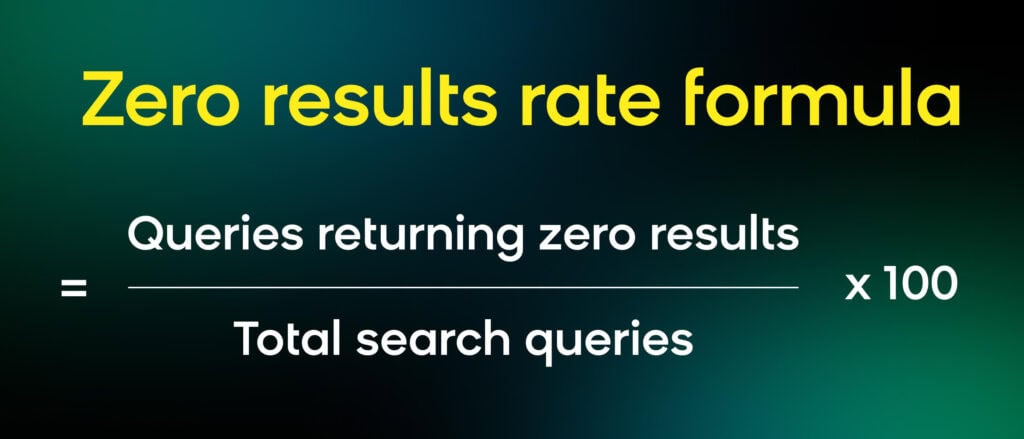
Track it weekly, and establish a baseline before making any changes. Industry benchmarks typically range from 12–20%; if you’re at or above the midpoint of that range, treat it as a priority.
Next, you should focus on the exit rate from zero results pages. What percentage of shoppers who land on a no search results found page leave the site entirely vs. refining their search or navigating elsewhere? This is your recovery rate indicator. If your exit rate is dropping after you redesign the zero results page, the redesign is working.
Additionally, you can track the conversion rate from zero results pages. Are the product recommendations or redirects on your no results page generating any purchases? Track this separately from your main search conversion rate. A well-designed recovery page can generate meaningful revenue from sessions that would otherwise have been total losses.
When you implement a fix, be sure to tag the implementation date in your analytics and compare the zero results rate over the following two to four weeks. This is how you demonstrate ROI to stakeholders who want to see the numbers move before approving the next investment.
One more practical note: All of this requires an analytics platform that can segment search sessions by result count. If yours can’t surface this data without a custom BI query, that’s itself a tooling problem, and solving it should be your first diagnostic step.
How Bloomreach Solves Zero Results at Scale
At Bloomreach, our Loomi platform helps solve the zero results challenge — effectively and at scale.
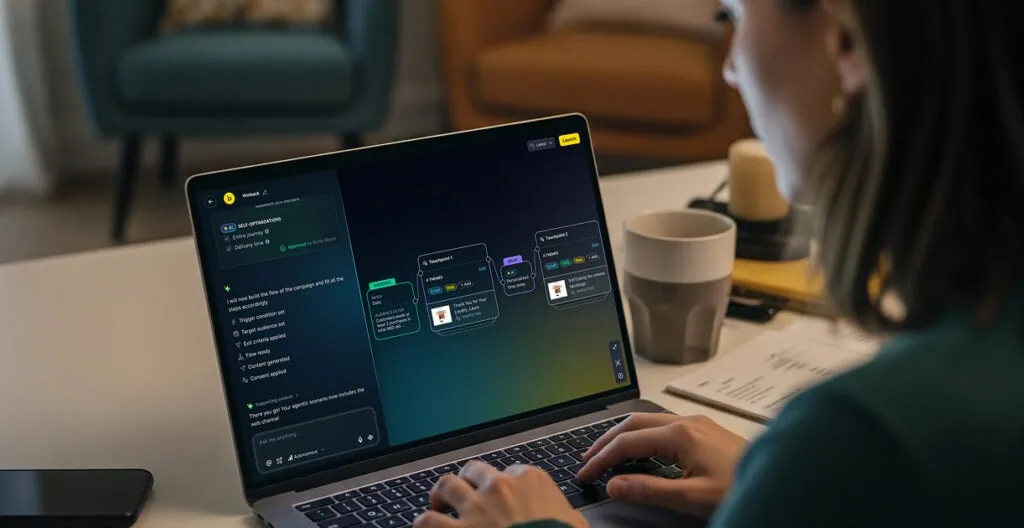
Our search engine is built to find something relevant rather than return nothing. Loomi Search+ combines semantic keyword search with vector search to deliver more relevant results. Based on the query, Search+ will either match the exact query or understand the intent and nuance behind the query to find similar results. With these capabilities working seamlessly together, we can significantly reduce zero search results.
Our built-in analytics report also surfaces every query that returned zero results, sortable by volume, without custom BI work. This allows you to see exactly which queries are failing and in what volume, so you can prioritize fixes by impact.
And, if the search bar still can’t surface the right results, our Loomi conversational agent can step in to engage the shopper with follow-up questions to get more context. By starting a conversation with the customer, you can reduce the frustration of hitting zero results and guide them toward the right product.
Ultimately, zero results pages aren’t inevitable for ecommerce sites. They’re a symptom of a search engine that can’t interpret shopper intent, combined with a UX that doesn’t give consumers a path forward when prevention fails.
Request a demo of Loomi today to see the platform in action and learn how it can greatly reduce your zero search results.
Frequently Asked Questions
What causes zero search results in ecommerce?
Zero results in ecommerce typically trace back to four root causes: typos and misspellings the search engine can’t tolerate, terminology gaps where shoppers use different words than your catalog does (like “couch” vs. “sofa”), catalog data problems where products are miscategorized or missing key attributes, and a keyword-matching architecture that can’t interpret natural language or intent-based queries. The root cause matters because each requires a different fix.
What percentage of ecommerce searches return zero results?
Industry benchmarks typically range from 12–20% of on-site searches returning zero results, depending on catalog depth, product data quality, and search engine sophistication. Retailers with legacy keyword-matching search engines tend toward the higher end of that range. Anything above 10% warrants investigation, since zero results disproportionately affect high-intent shoppers.
How do I fix a zero results page in ecommerce?
Start with a diagnosis before implementing any fix:
- Pull your zero-results query list from analytics and categorize the top failing queries by type (typos, synonym gaps, catalog issues, natural language phrases)
- Add typo tolerance and synonym management to address the most common surface-level failures
- Upgrade to NLP or semantic search if the root cause is natural language or intent-based queries your engine can’t interpret
- Design a recovery page with product recommendations, smart redirects, and clear next steps for the queries that still fail
The framework in this article maps a specific fix to each root cause.
What should a no results page show?
A no results page should honestly acknowledge that nothing matched the search query, preserve the search bar so shoppers can refine their input, display the original query so shoppers know the system processed their request, and offer clear next steps: links to popular categories, product recommendations from relevant areas of the catalog, and search refinement suggestions. You can also use an AI shopping assistant to help further engage shoppers and guide them to the right products. Avoid blank pages with only an error message, unrelated products shown without labeling them as alternatives, and any design that removes the search bar from the page.
Does the zero results rate affect SEO?
Zero results rate is an internal UX metric, not a direct Google ranking signal. However, two indirect mechanisms are worth understanding. First, if your zero results pages are crawlable and indexed, they register as thin or empty content (the kind Google increasingly deprioritizes in quality assessments). Second, shoppers who hit a dead end and immediately leave contribute to session-level engagement signals (duration, pages per session) that can, at scale, influence how search engines assess the site. Neither effect is dramatic in isolation, but retailers with persistently high zero result rates often have degraded engagement data precisely on their most commercially important pages.
What is query relaxation in ecommerce search?
Query relaxation is a technique where the search engine automatically drops the least critical terms or broadens its matching criteria when a query returns no results, rather than displaying an empty page. For example, a search for “waterproof hiking boot size 12 wide” that returns nothing would be relaxed to “waterproof hiking boot” and surface relevant results from there. Bloomreach’s query relaxation feature does this automatically, keeping shoppers in the funnel when strict matching fails and reducing the frequency of zero results pages without requiring manual intervention.