

Target Specific Groups of Users to Push Better Performing Products
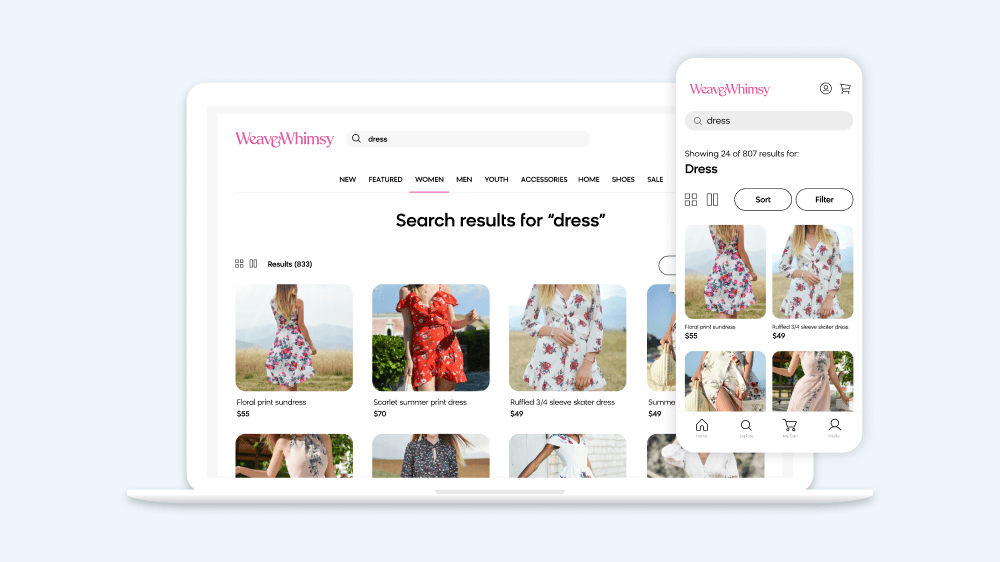
Opportunity Boost collections based on customer segments and behaviour using data insights Example Bury higher-priced products on your category page that are less likely to convert on mobile. Bury products with product information that does not display effectively on mobile. Value Increase your conversion rate by burying products that are unlikely to convert.per ut, vestibulum […]
Blacklist Products Across All Pages Due to a Product Recall
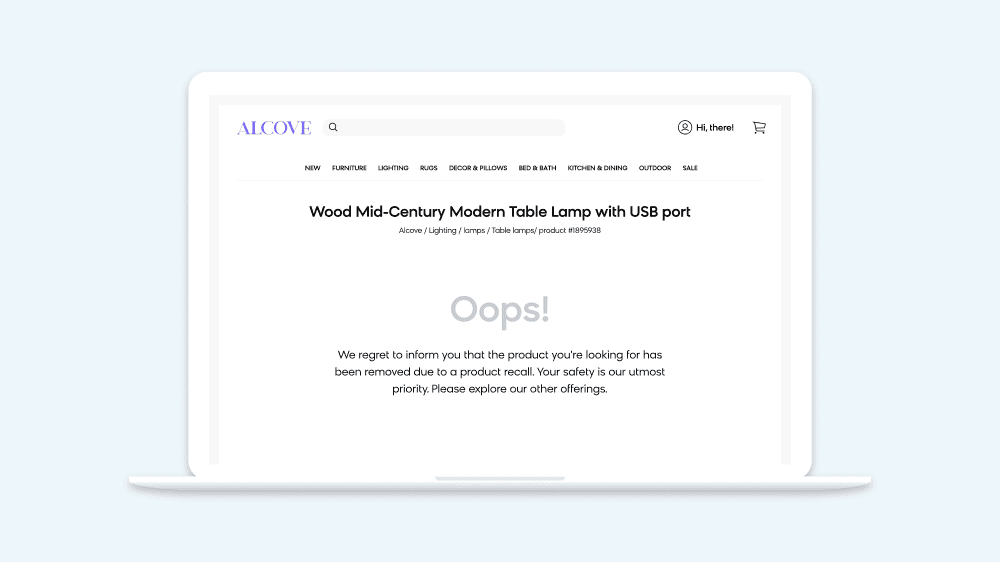
Opportunity Quickly and easily remove specific products from all of your category pages in the event of a product recall. Example Remove recalled product directly and immediately while your marketing team is working on public relations. Value Prevent accidental purchases by completely hiding recalled products.
Create Banners To Promote Your Campaigns on Your Site
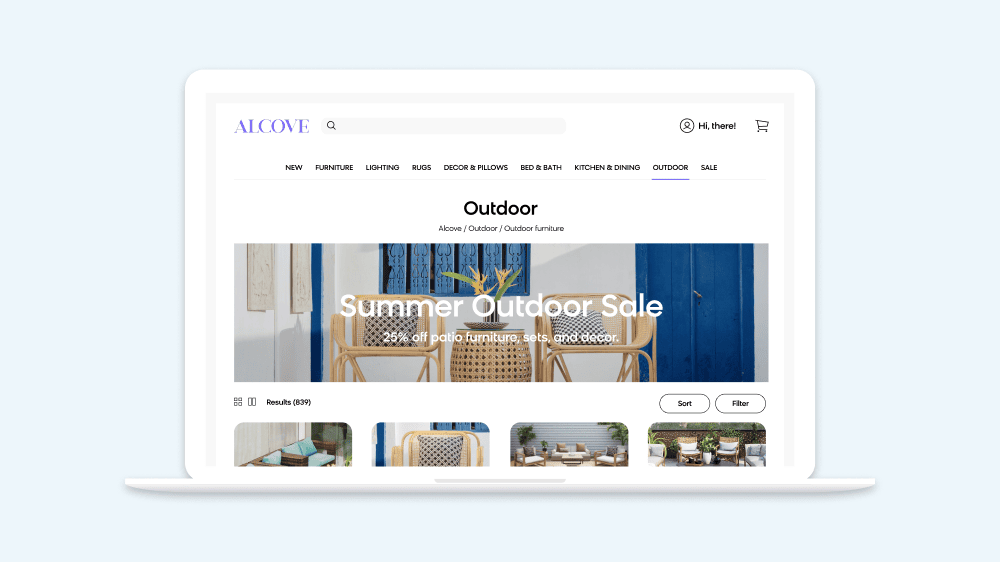
Opportunity Create banners to promote campaigns you’re running on your site. Example Showcase your current sales. Promote your seasonal calendar events (e.g., Black Friday, back to school). Value Drive traffic and reinforce your products on pages with content in your current campaigns.
Confidently Make Category Ranking Changes With A/B Testing Functionality
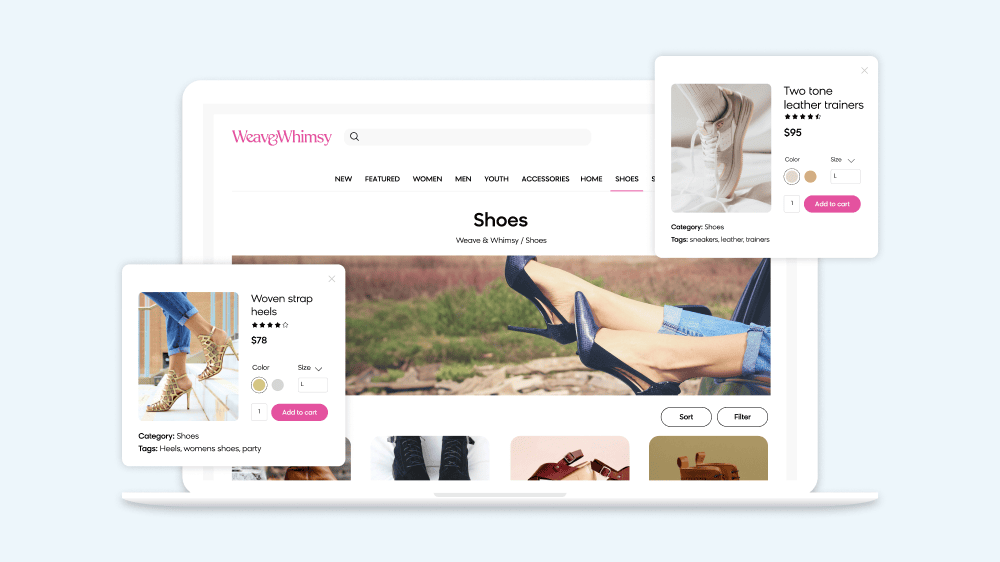
Opportunity Unlock the potential of A/B testing by experimenting with different category ranking changes and measuring the performance of up to three unique variants. This approach helps you identify which ranking strategies resonate most with your customers, allowing you to uncover patterns in what drives engagement and sales (e.g., product visibility, placement, or aesthetics). Using […]
Give Preference to Products From a Given Supplier or Brand
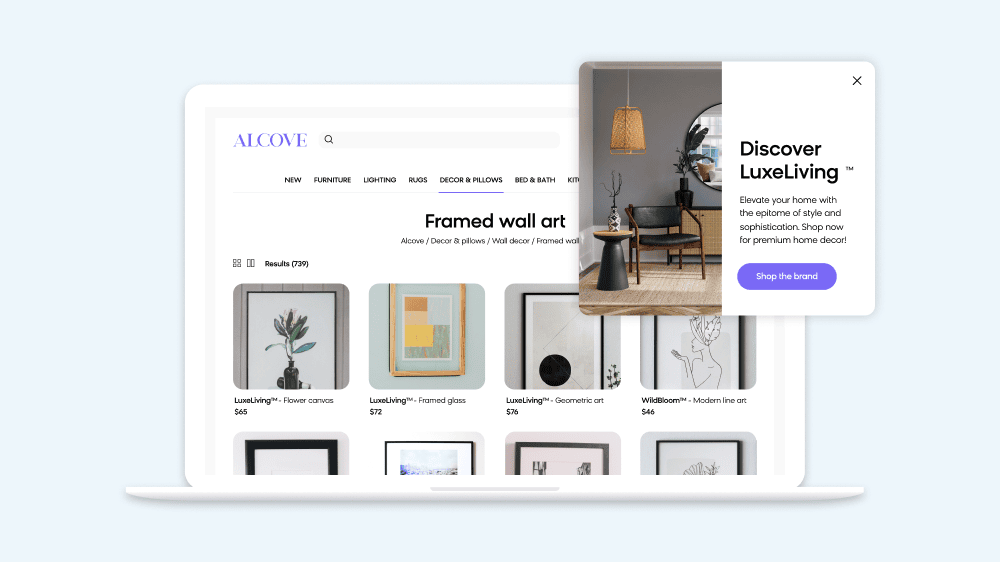
Opportunity Fulfill initiatives and business requirements by soft boosting products from certain suppliers, brands, or vendors across your category pages. Example Boost preferred vendors so their products appear higher on category pages. Value Meet contractual obligations you may have with vendors.
Show a Product Featured in an Email or Social Promotion
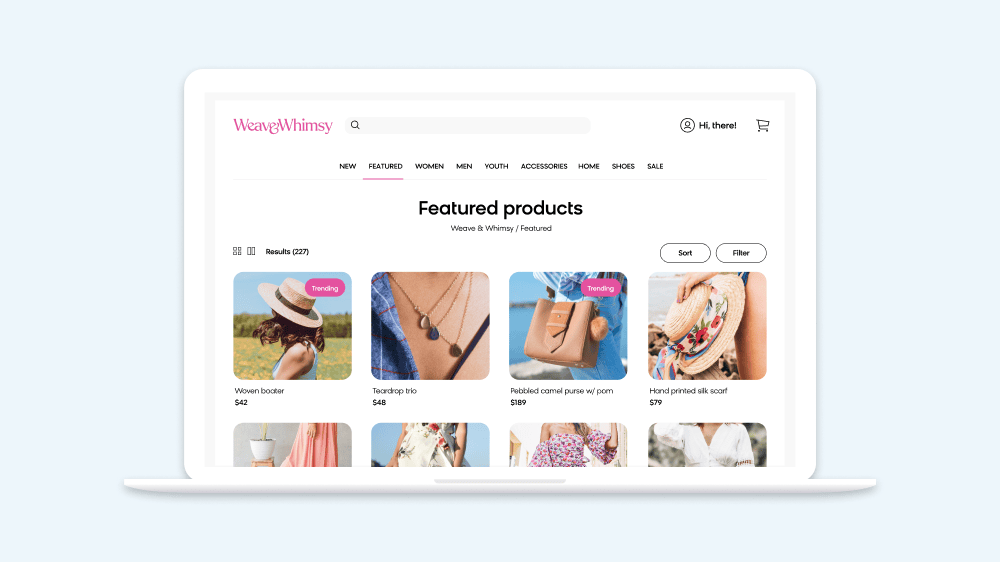
Opportunity Leverage targeting and boosting features to ensure the products featured in your email and social campaigns are prominently displayed in the first position on your category landing pages. This alignment not only enhances product visibility but also creates a more cohesive customer experience. When customers click through from an email or social post, they’re […]